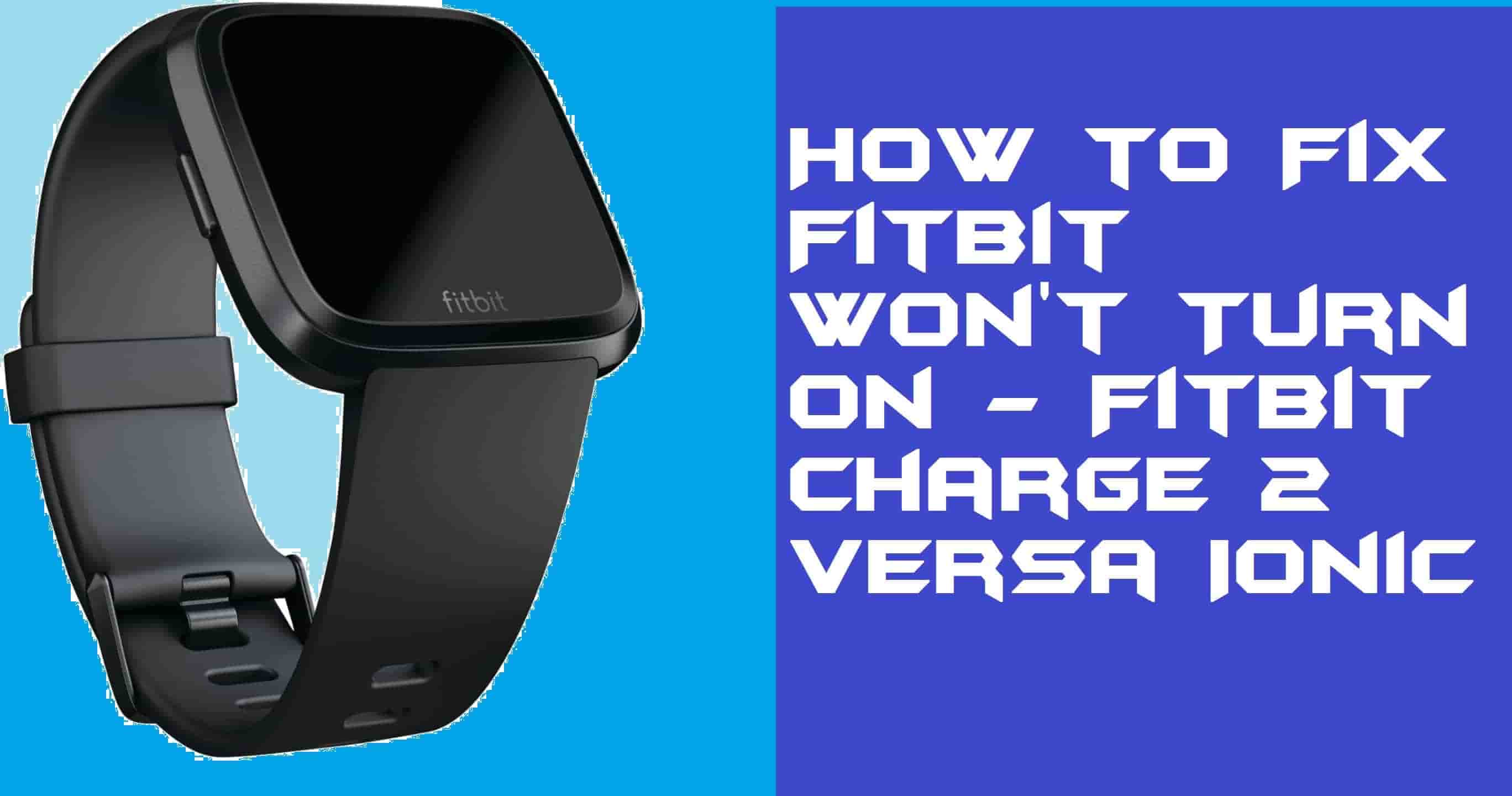
Hello friends, Today I will tell you a method on how to fix Fitbit won’t turn on. I have shared the best working method, which will turn on your Fitbit fitness tracker automatically. You will also not lose any of your data and can turn on Fitbit instantly.
Many of the Fitbit users have reported that they charge their Fitbit device fully. But, the problem arises is that Fitbit does not turn on. Whenever we face such kind of issue, then it is obvious that we will get frustrated. Also, maybe some of you guys are having Fitbit Ionic or Fitbit Charge 2 or Fitbit Versa, etc. So I am going to share a method that will work on every model of Fitbit.
I have discussed how you can turn on your Fitbit device, whether it is Fitbit Ionic, Fitbit Versa, Fitbit Charge 2, etc. Before you start doing anything, make sure that your Fitbit device is fully charged. However, I would like to tell you that the things which I am going to tell you regarding the same are taken from the Fitbit Community Help Center.
Read more: How to Sync Fitbit with iPhone
If you have charged your Fitbit Charge 2/Versa/Ionic fully and then you find that Fitbit won’t turn on, then you have to fix it. Simply, by resetting your Fitbit Charge 2/Versa/Ionic device, you can fix this issue. Of course, there is no other way to solve this problem. Resetting is the only option to fix the problem, which is Fitbit Charge 2/Ionic/Versa won’t turn on.
Must Read: How to Contact Fitbit Customer Service
If you are using Fitbit Versa or Fitbit Ionic, then do this. Press and hold the back button for at least 10 seconds until you see the Fitbit logo appear on the screen. Once it appears, then let off the buttons, and it will reset itself. But, if you are using Fitbit Charge 2, then follow this up. Just press and hold the buttons for at least 4 seconds. Your Fitbit Charge 2 will vibrate, which means the resetting process is started.
Must Read: Apple Watch vs Fitbit – Complete Comparison
We have seen how we can fix Fitbit won’t turn on whether it is Fitbit Charge 2 or Fitbit Ionic or Fitbit Versa. There is no other solution available on the internet in order to fix the Fitbit device is not turning on. If available then they are definitely fooling you. However, if somehow it doesn’t help you then go to the Fitbit service center, they will fix it for you. But, if this helps you, then do share it with other guys who need help regarding fixing the Fitbit won’t turn on issue.
Learn how to increase virtual memory in Windows 11, which in turn will improve system…
Learn how to remove OneDrive from File Explorer in Windows 11 with account unlinking, Group…
Learn how to find largest files on Windows 11 with File Explorer, Storage Settings, and…
Learn how to turn off OneDrive on Windows 11 by going to sync settings, unlinking…
Learn how to insert calendar in PowerPoint with templates, tables, or Excel. Present professional and…
Learn how to create templates in Outlook, which in turn will save you time, improve…
This website uses cookies.