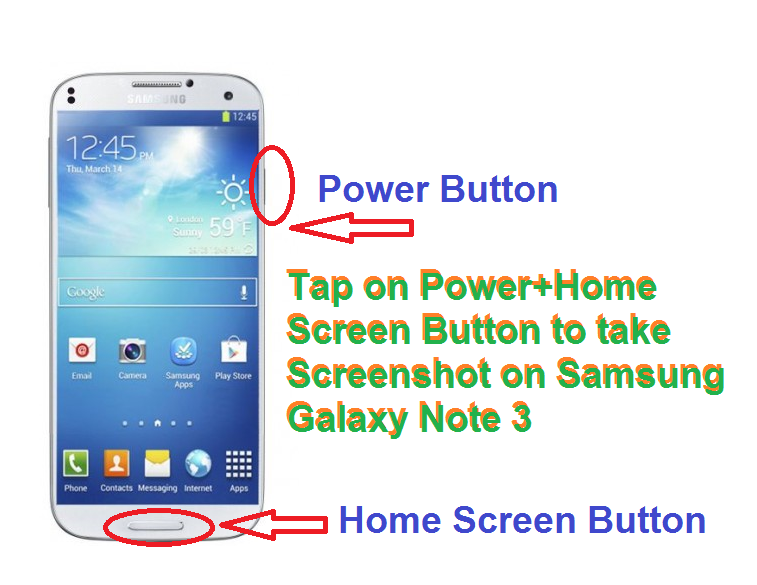
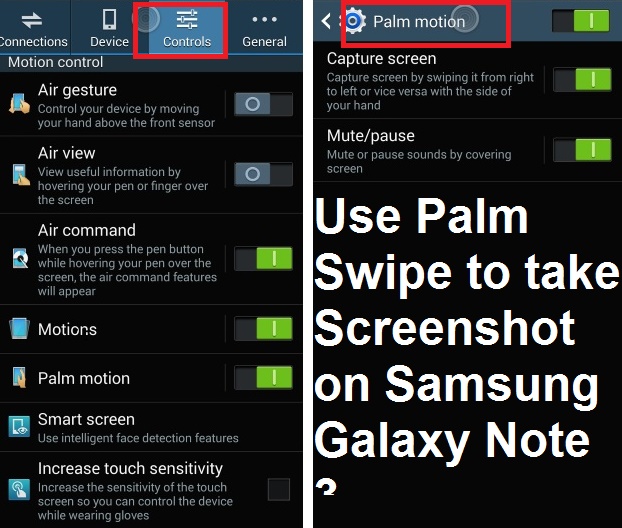
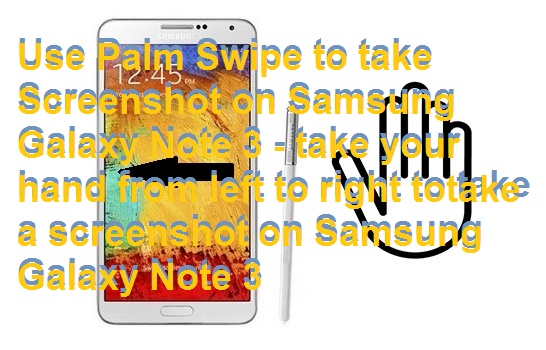
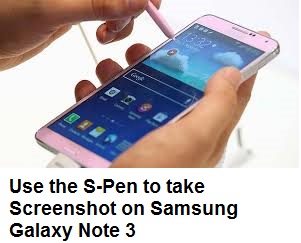
Best Methods to Take Screenshot on Samsung Galaxy Note 3. Capture your mobile phone screen using these 5 easy methods. You can even edit your captured image. Use phone gestures, tap on buttons and follow 3 other ways to capture your mobile’s screen. Download the Android application and shake your Smartphone to take a screenshot. You can capture any moment of your Samsung Galaxy Note 3.
The smartphone is the best way to interact people throughout the world in few seconds. Sometimes users want to capture the screen of their Smartphone to report some bug or to keep some important thing. Well, Android users can take a screenshot by the tapping of some buttons and also just by gestures. In this article, I will tell you top 5 best methods to take a screenshot on Android mobile phone.
Read more: Samsung Galaxy S6 full specification
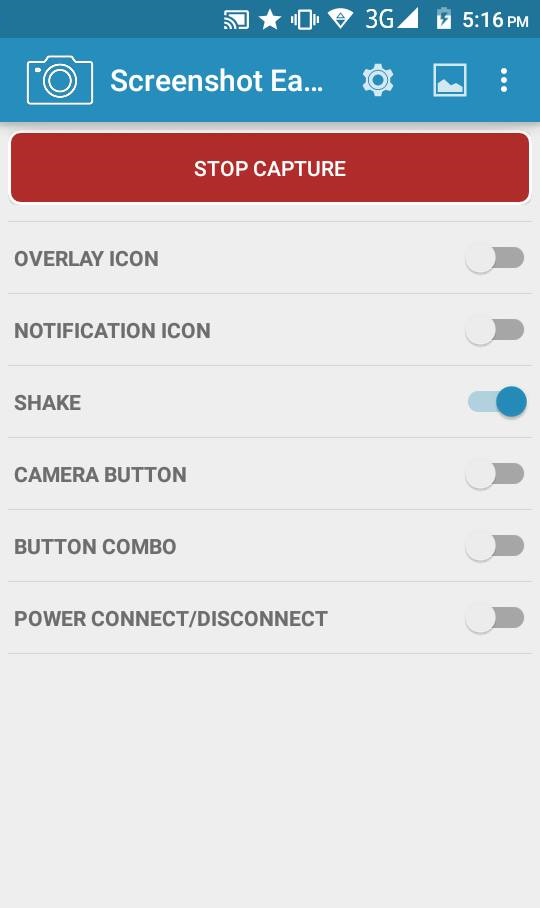
It is one of the best android apps to take a screenshot on Samsung Galaxy Note 3. You can use this app to take a screenshot on any mobile phone.
Read more: Samsung Galaxy S6 edge Specifications
There are several other methods also to take Screenshot on Samsung Galaxy Note 3. But these 5 are easy and best way to take Screenshot on Samsung Galaxy Note 3. I will guide you to take manual methods to take a screenshot on Samsung Galaxy Note 3. You can click all your moments on Samsung Galaxy Note 3 Screen.
This post was last modified on February 1, 2022 00:14
Learn how to increase virtual memory in Windows 11, which in turn will improve system…
Learn how to remove OneDrive from File Explorer in Windows 11 with account unlinking, Group…
Learn how to find largest files on Windows 11 with File Explorer, Storage Settings, and…
Learn how to turn off OneDrive on Windows 11 by going to sync settings, unlinking…
Learn how to insert calendar in PowerPoint with templates, tables, or Excel. Present professional and…
Learn how to create templates in Outlook, which in turn will save you time, improve…
This website uses cookies.