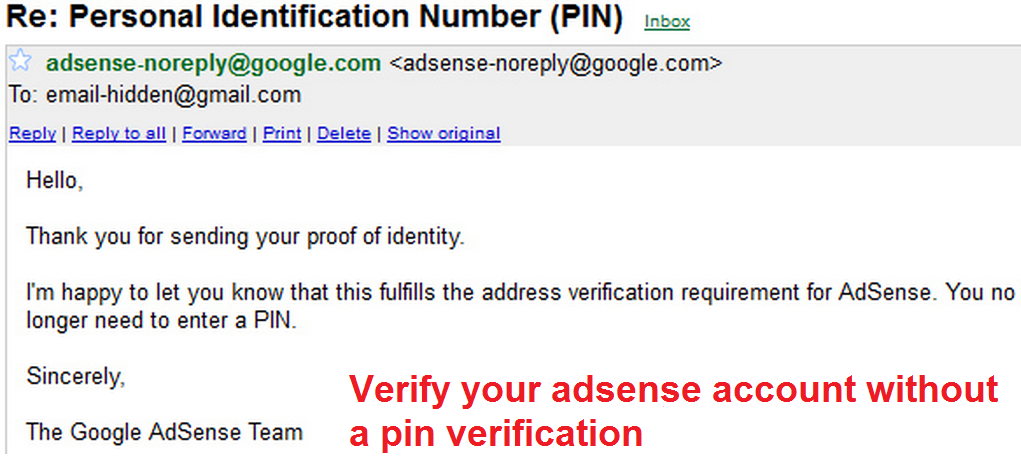
The best method to Verify Google Adsense account without Pin code verification. Verify Google Adsense account in just a few days. You don’t need any postal Pin code.
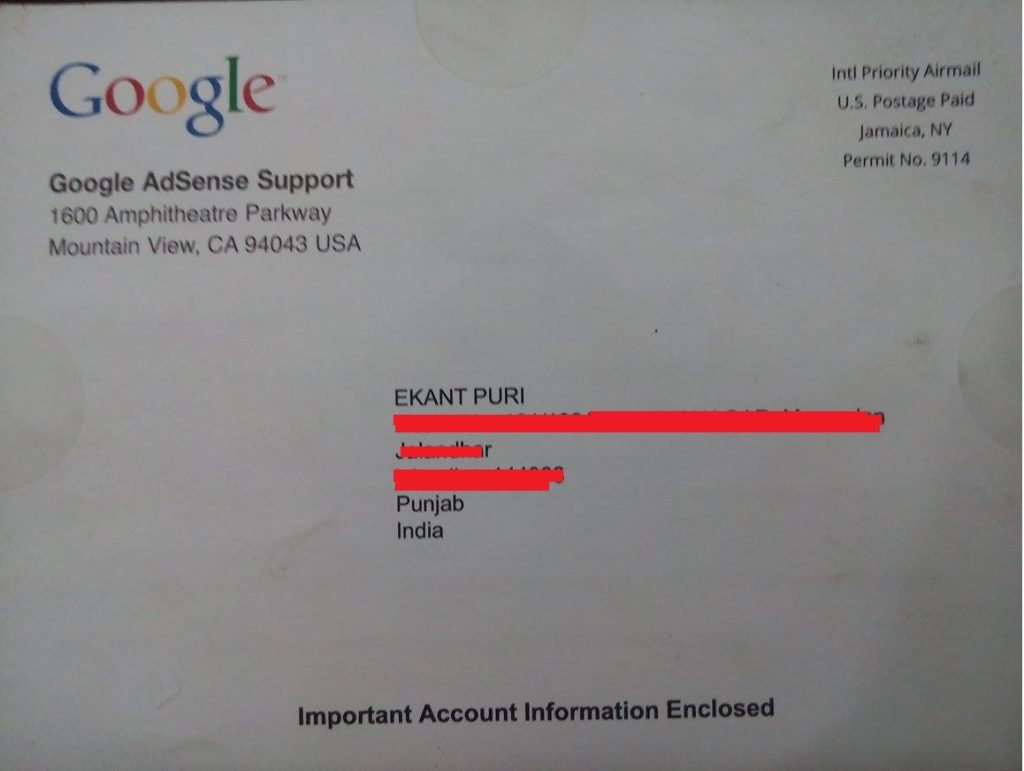
If you have applied for an Adsense account and you live outside the United States. Then, it’s tough to get that pin through the post. Adsense will deliver the PIN to your address. But, it takes a long time and even AdSense give 1-month waiting time to get the pin. However, the majority of the people don’t understand Adsense PIN in the first attempt and then, they try again.
You will get three attempts to get Adsense Pin, and one attempt takes one month. So, you have to wait for three months to get your Adsense Pin. Well, it’s very long time. If you are facing these similar problems and applying for Pin again and again. And you are still struggling with your Adsense account then; I will tell you a method which will allow you to verify google Adsense without Pin.
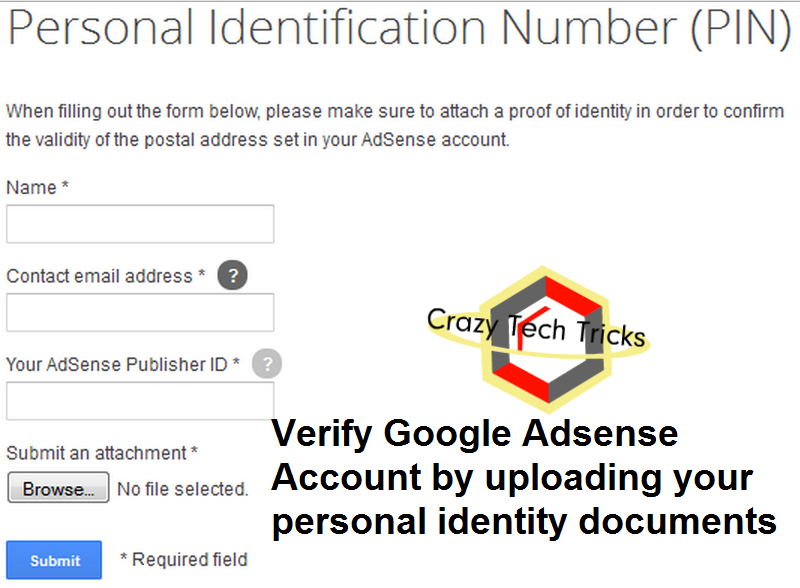
To verify Adsense account without Pin. You need some documents.
Your Identity Card
It should be a government identity card which tell your nationality. You can even use your Driving license and make sure this identity card have your address printed on them.
Your Digital Image
Your Image should be printed on Government issued Identity card.
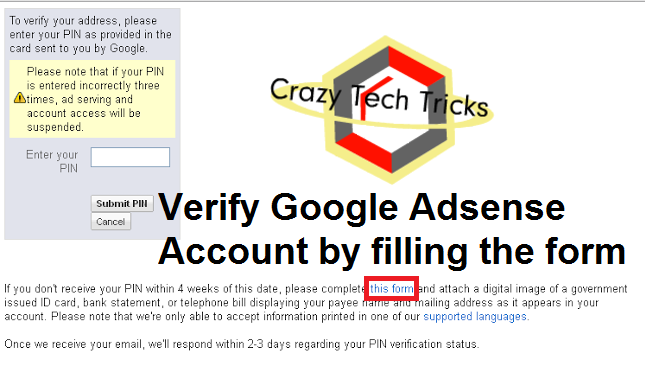
This the best way to verify your Google account without a Pin verification. It doesn’t matter where you live and how many time you have asked for the pin from Google Adsense. You can just follow these simple steps and verify your Google Adsense account easily.
I would personally recommend all of you to wait and stay calm till you receive the Pin through the post. Take all your three attempts and then, use this method. I got my Pin on the second attempt to be patient.
This post was last modified on February 1, 2022 00:14
Learn how to increase virtual memory in Windows 11, which in turn will improve system…
Learn how to remove OneDrive from File Explorer in Windows 11 with account unlinking, Group…
Learn how to find largest files on Windows 11 with File Explorer, Storage Settings, and…
Learn how to turn off OneDrive on Windows 11 by going to sync settings, unlinking…
Learn how to insert calendar in PowerPoint with templates, tables, or Excel. Present professional and…
Learn how to create templates in Outlook, which in turn will save you time, improve…
This website uses cookies.