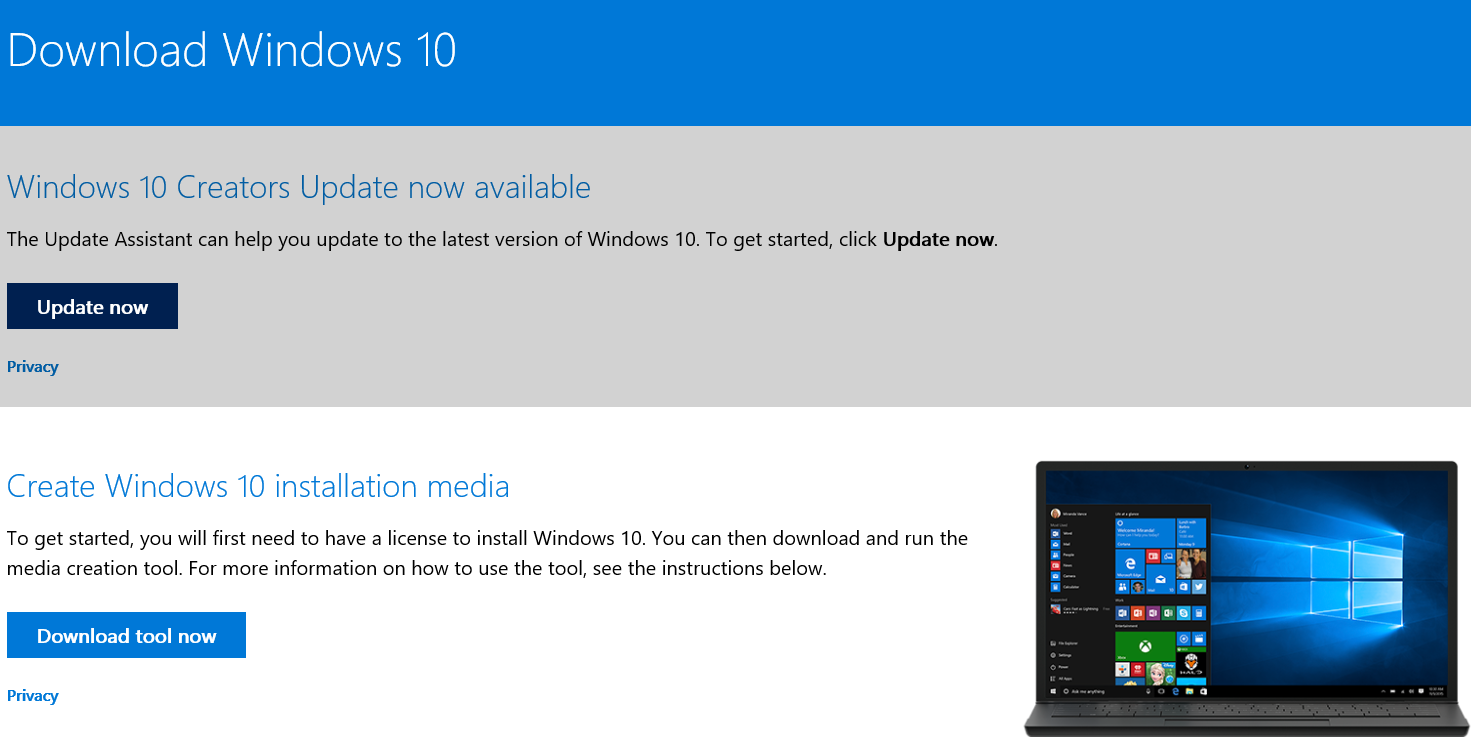
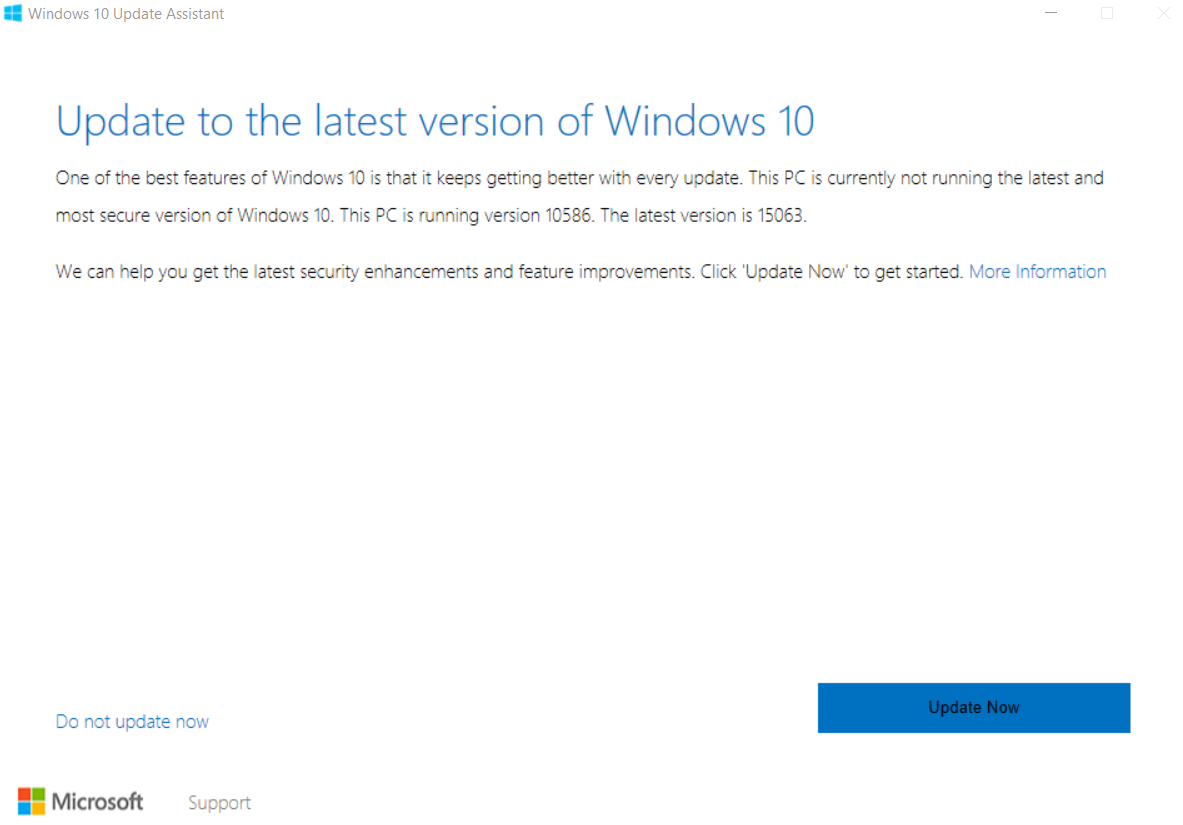
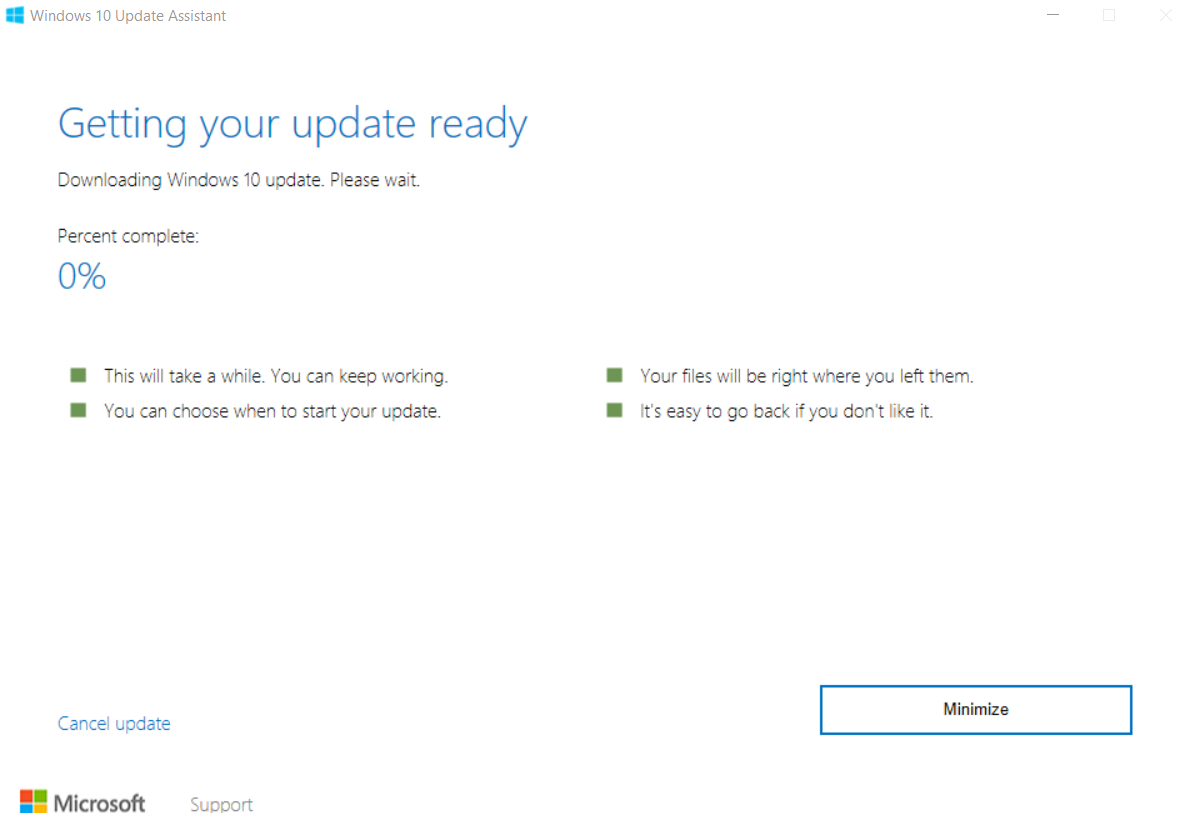
You can force Windows 10 Updates to the latest version. If you are facing any error or issue related to downloading, then you can bypass using this method. We will force the system and Microsoft server to get an update in two parts. First, we will download and then install on our computer.
Many of you are using the older versions of Windows when your PC is compatible with the latest. If you have the pirated version of Windows, then you can upgrade it to the latest version forcefully. You can update your Windows 10 also with the new Creator’s tool.
It is always safe to get the updated version since the latest ones provide safety from the newer viruses infiltrating the older ones. The famous and most recent Virus Ransomware WannaCry filtrated the older versions of Windows except Windows 10. Along with protection from these viruses, you must also get the new features in the upgrades.
Read more: How to Fix “This copy of Windows is Not Genuine”
Backup your data before you proceed to update, even the current version you are using, so that you get can get back to it anytime. Get a good Internet connection and follow the instructions given.
If you have the pirated version, it may happen that you might not get the update. The Update Tool does not check if your Windows version is genuine or not. It just checks if it is enabled or not. If you have enabled using the activators, the update may work. If you don’t have the license, then you may face a problem and your upgrade might turn out to be illegal. It is always better to have a licensed version.
If you have Windows 7 Ultimate, you would get an upgrade of Windows 10 Ultimate.
Once the update is done, you may sign into your Microsoft Account. Like this, you’ve completed downloading Windows 10 Latest Version.
Read more: Download Windows 10 Creators Update
If you have another OS dual-booted in your PC with older versions of Windows and have Grub Bootloader package, then don’t disappear while the upgrade is going on. When your PC restarts while the upgrade is on, you need to select Windows in the Bootloader. Otherwise, it loads the other OS. So, every time you need to choose Windows as OS when you start your PC manually. I hope the article turned out to be useful. Do comment and share the article around.
This post was last modified on September 14, 2020 21:59
Learn how to increase virtual memory in Windows 11, which in turn will improve system…
Learn how to remove OneDrive from File Explorer in Windows 11 with account unlinking, Group…
Learn how to find largest files on Windows 11 with File Explorer, Storage Settings, and…
Learn how to turn off OneDrive on Windows 11 by going to sync settings, unlinking…
Learn how to insert calendar in PowerPoint with templates, tables, or Excel. Present professional and…
Learn how to create templates in Outlook, which in turn will save you time, improve…
This website uses cookies.
View Comments
This is an amazing stuff. Now, I am going to download this Windows 10 creators updater, going to update my older Windows version to new one.