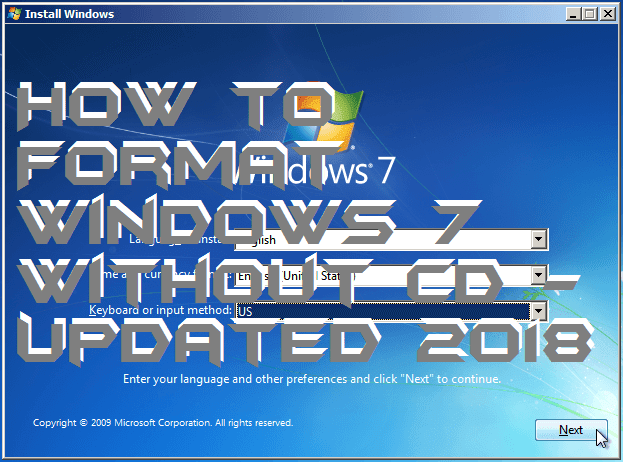
Hello friends, Today I will tell you a method to format Windows 7 without CD and remove all kind of unwanted files from their PC/Laptops. This is the best and easy method to wipe Windows 7 without CD. I will share a simple tweak to format Windows 7 without any external device.
Formatting the computer’s hard disk is always a last resort to pursue. Once formatted, all the data in the computer will be completely wiped out including the operating system installed in it. However, Microsoft’s operating system comes with an inbuilt feature that allows users to format their hard drives without using any installation CD or boot disk.
Read more: How to Disable Fast User Switching On Windows 7, 8, 8.1 and 10 – 100% Working
Whether you are looking to retire an old computer, reinstall Windows, or prepare another hard drive. It is always recommended to wipe out the drive by formatting it first. You can format any drive in Windows OS except for the system drives. If you want to format the system drive or C: then you’ll need to do it with a boot disk. On the other hand, non-system drives and external drives can be formatted from the Control Panel of your computer.
Read more: Top 10 Best Windows 7 Tricks and Secrets – Must Try!
This is the best and safe way to format Windows 7 without CD. You can format/reinstall windows 7 without any external device. It is working and can be done on any laptop/PC. Don’t forget to share this trick on format Windows 7 without CD with your friends.
This post was last modified on January 16, 2020 17:05
Learn how to increase virtual memory in Windows 11, which in turn will improve system…
Learn how to remove OneDrive from File Explorer in Windows 11 with account unlinking, Group…
Learn how to find largest files on Windows 11 with File Explorer, Storage Settings, and…
Learn how to turn off OneDrive on Windows 11 by going to sync settings, unlinking…
Learn how to insert calendar in PowerPoint with templates, tables, or Excel. Present professional and…
Learn how to create templates in Outlook, which in turn will save you time, improve…
This website uses cookies.