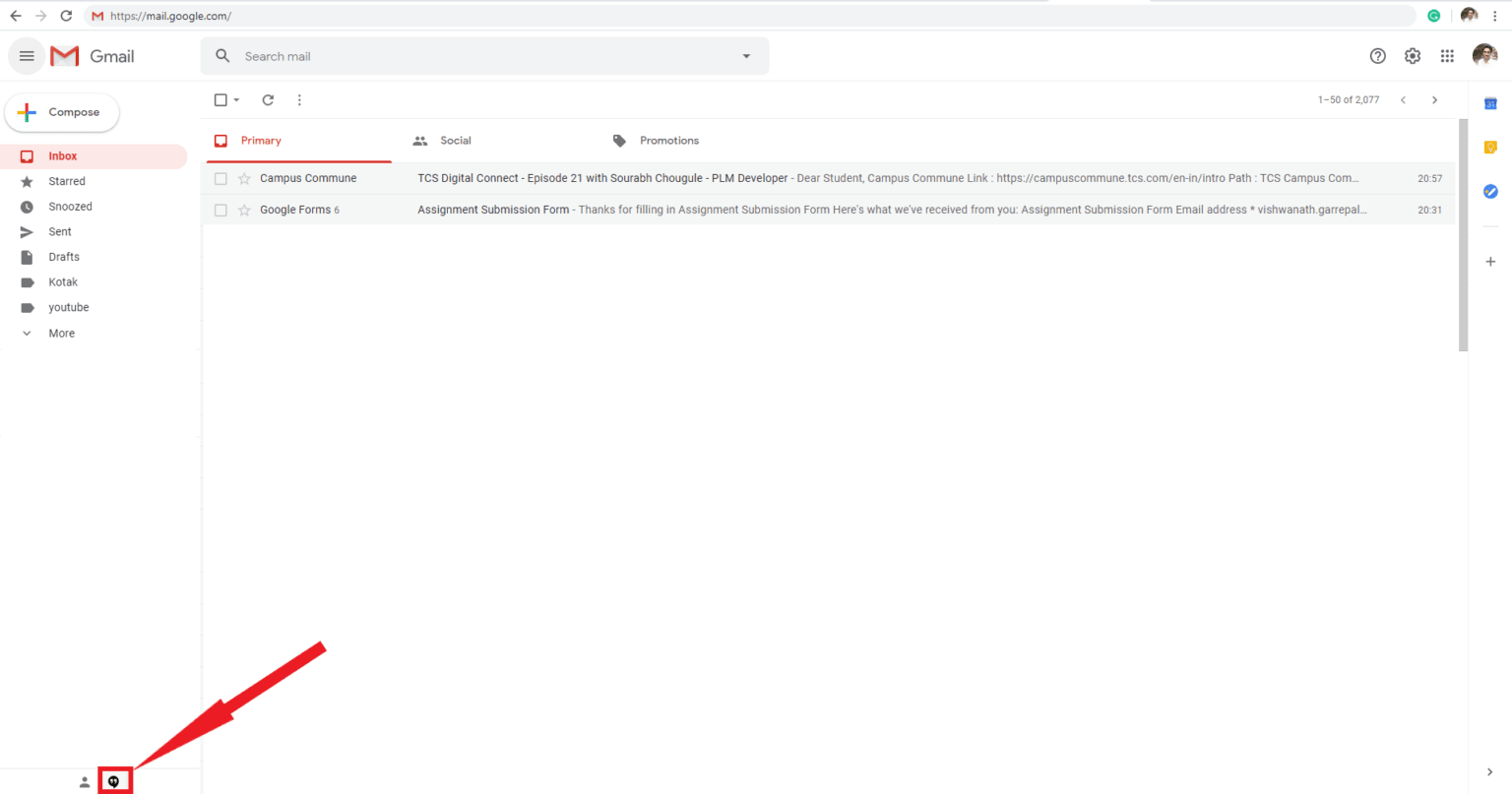
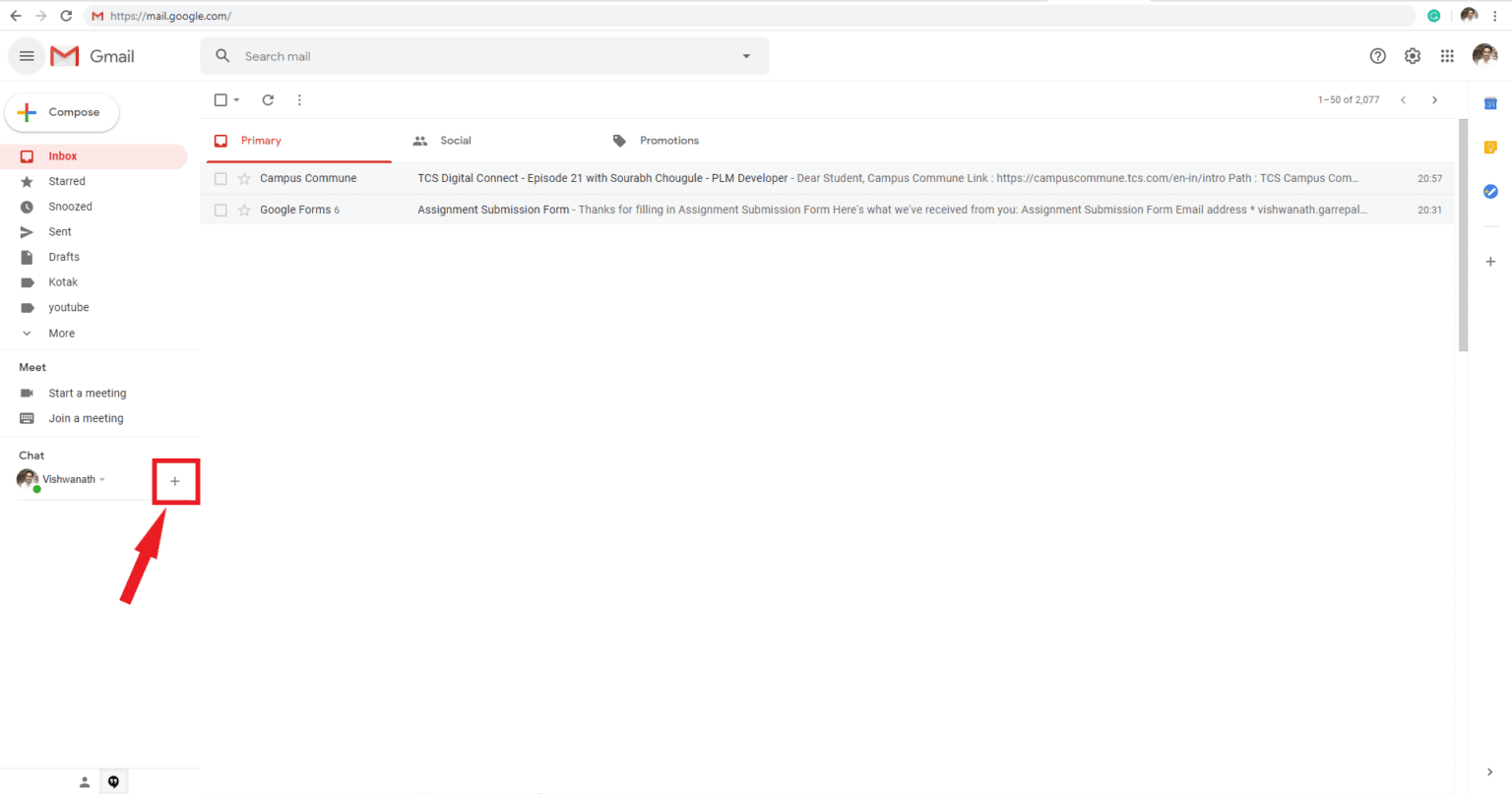
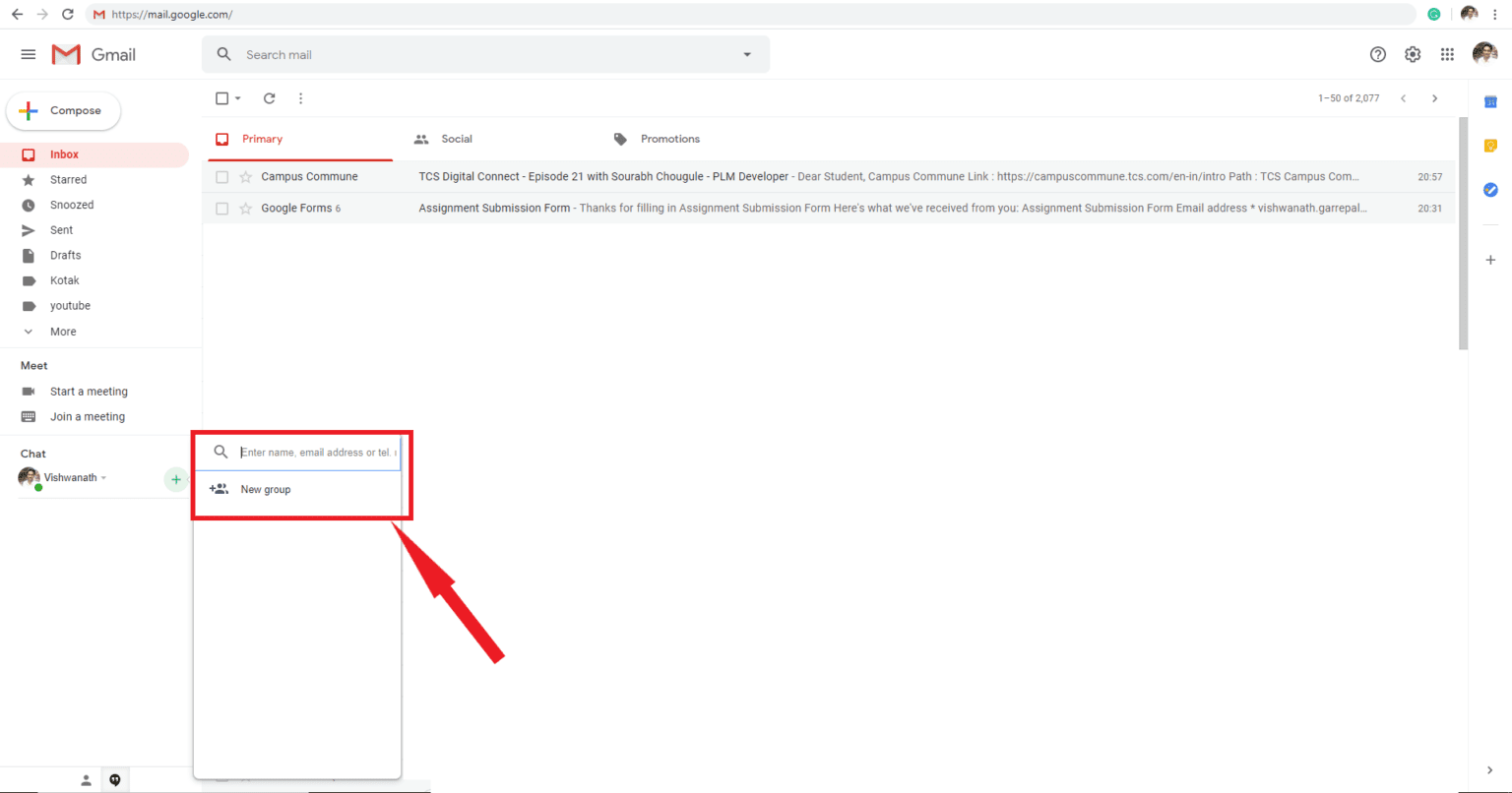
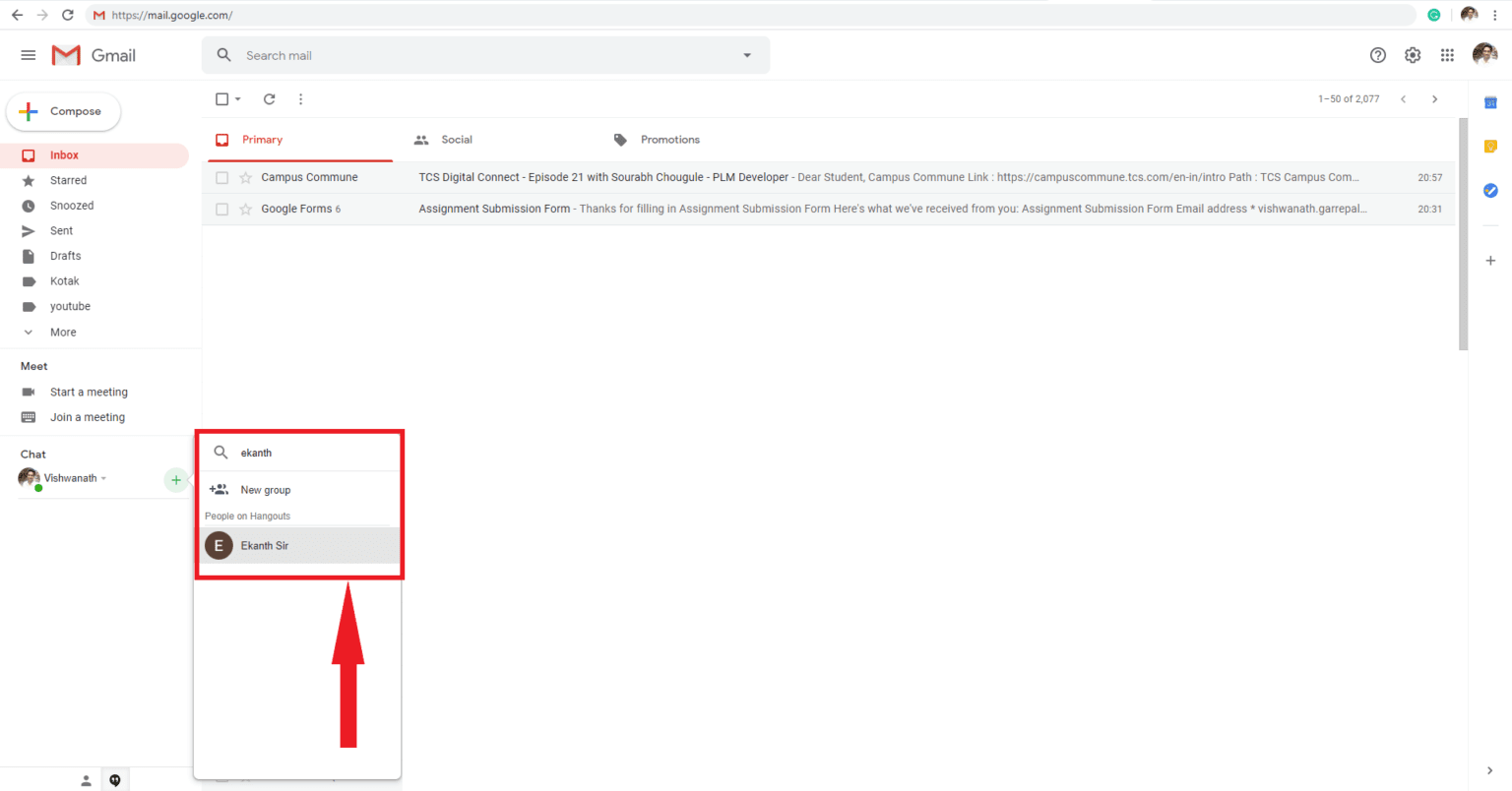
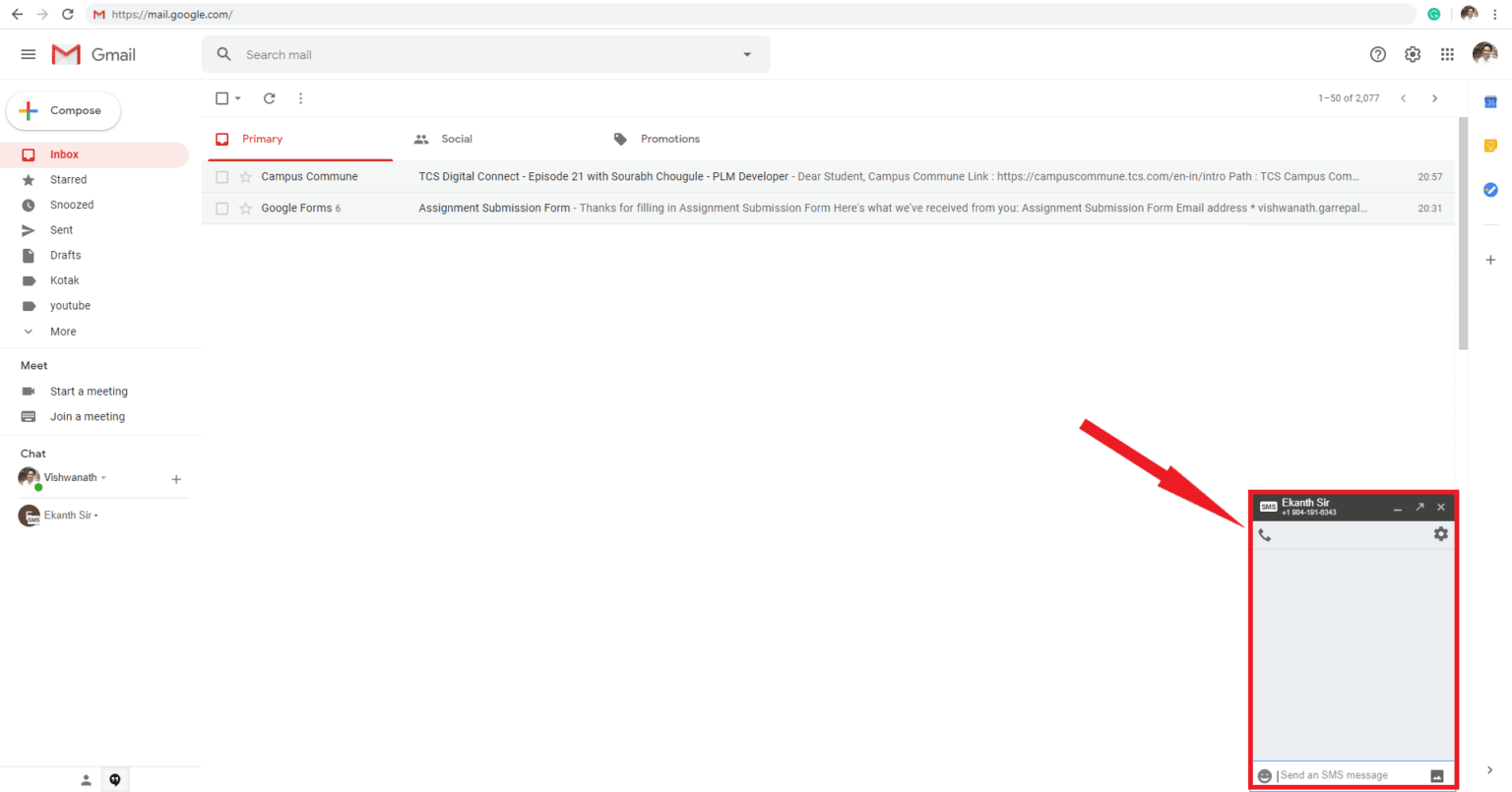
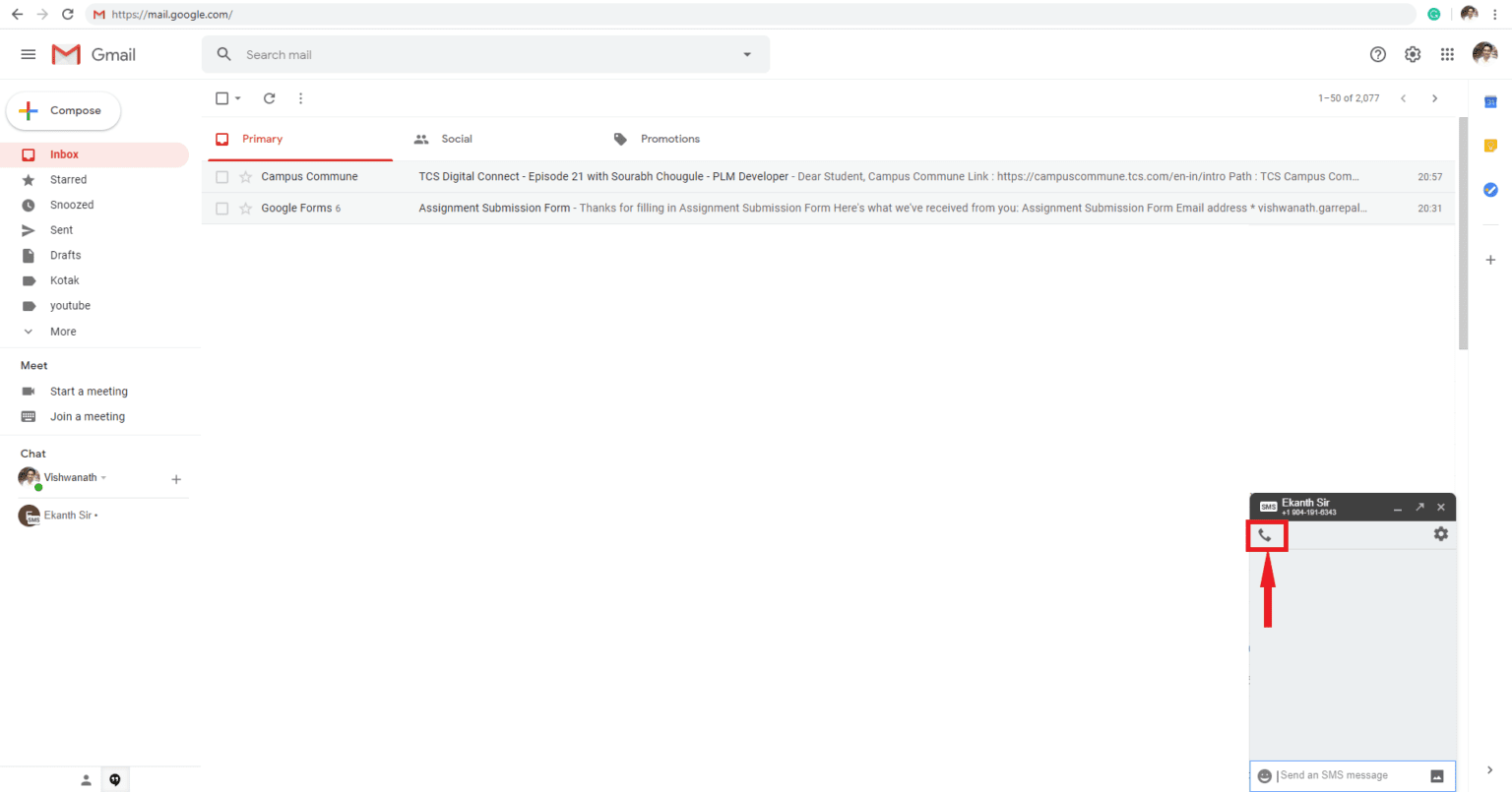
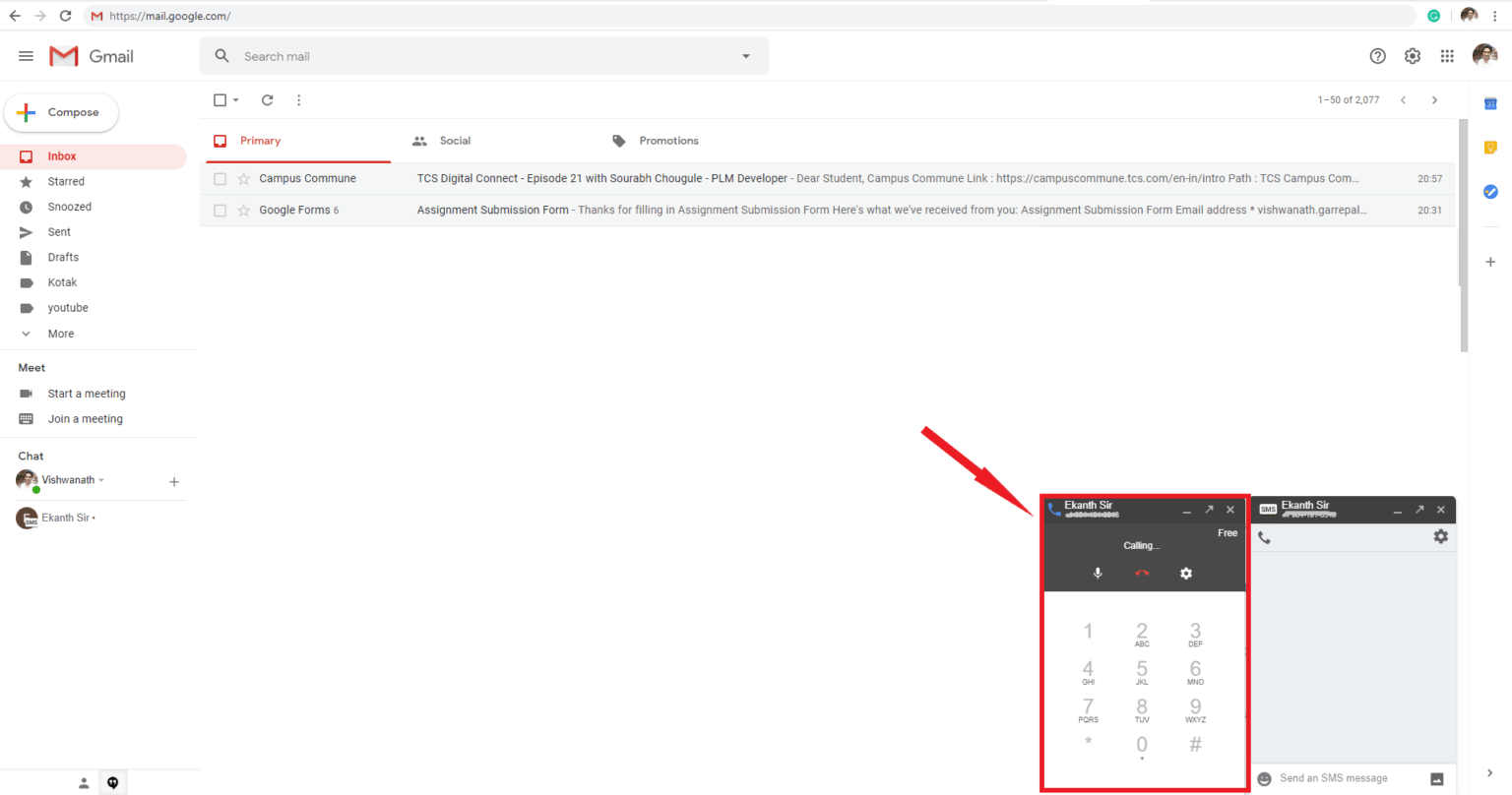
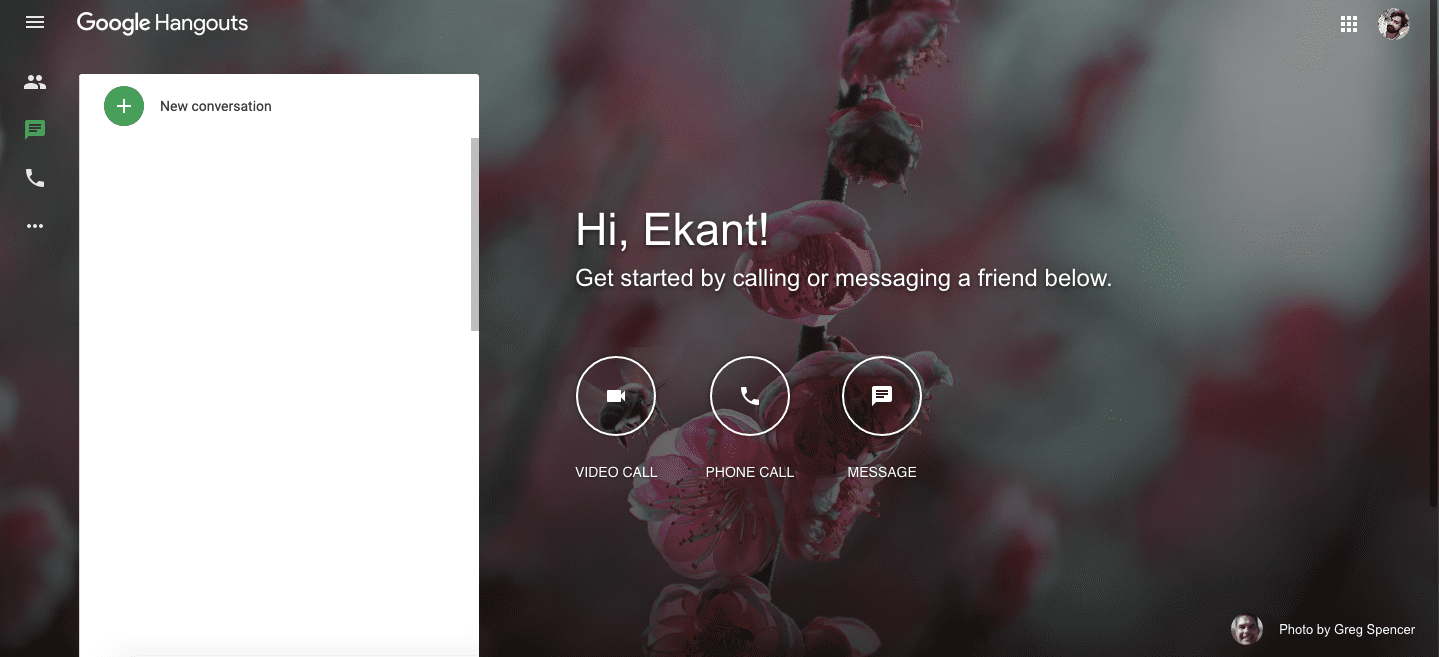
Users can make free phone calls using Gmail or Hangout. I have shared two different methods to make a call from Gmail to any national or international numbers. Users can do free unlimited calling to any number of the USA and other countries.
In today’s world, many of us communicate with each other a lot. But when you are in the work area or office. Then communication through mobile phones might not be such a professional one to do so. Many of us nowadays use video calling apps mainly WhatsApp, which is very easy to communicate with a group of people and also the information is fully encrypted.
Can you imagine that in your work areas where Smartphones are strictly not allowed, you can still easily communicate with people by making calls from your Gmail?
Read more: Google Duo vs FaceTime
Users can use both Gmail and Hangouts to make a free phone call. You can directly call them on their smartphones. All you need is a Gmail or Hangouts. You all are aware of Gmail and Hangouts. It must be installed on your Android or iOS devices. Best part users can even use them online using Chrome or any internet browser.
You need to open these site directly on your browser, and you are ready to call anyone around the world. Users can call any international or national number using these both apps or online website.
Read more: How to Block a Number from Calling you on Android
That’s it you can enjoy unlimited calls from your Gmail by following these above steps.
Read more: Top 10 Best Android Apps to Make Free Calls
That’s it your communication will start now.
Read more: Top 10 Best Portable Speakers Under $50
We hope that this Gmail calling will help you in making calls even in your work area, which looks much professional. You can also make calls from your desktop or laptop where your mobile is prohibited in your work area. But to receive calls from other users in hangouts you have to make sure that your Google voice setup is completed. Almost all the users from Canada and the USA are free to call but others have to add credits to their accounts. For all other users, it costs around 1cent per minute.
This post was last modified on June 18, 2020 20:36
Learn how to increase virtual memory in Windows 11, which in turn will improve system…
Learn how to remove OneDrive from File Explorer in Windows 11 with account unlinking, Group…
Learn how to find largest files on Windows 11 with File Explorer, Storage Settings, and…
Learn how to turn off OneDrive on Windows 11 by going to sync settings, unlinking…
Learn how to insert calendar in PowerPoint with templates, tables, or Excel. Present professional and…
Learn how to create templates in Outlook, which in turn will save you time, improve…
This website uses cookies.