Easily Upload Pictures to Instagram from PC, Laptops or Mac online. You can upload any Photo, Videos from your Instagram account using your Computer or Mac. You can do all this uploading of Images/pictures and videos on Instagram without Bluestacks. So, stick with this article and post pictures on Instagram from a laptop or Mac.
Instagram is one of the fastest growing social media websites. Users can upload their pictures or short videos. But, users can use Instagram on a smartphone. There is no official application or software to post photos on Instagram from a Laptop/PC or Mac. Well, don’t worry because I will tell you a safe and straightforward trick to upload photos to Instagram Account.
Read more: How to Earn Money from your Instagram Account
Yes! You heard it right. You don’t need Bluestacks to post pictures on Instagram from a Laptop/PC or Mac. You can directly upload your Instagram photos using the tricks listed below. You can directly install Instagram on your PC or Mac and upload as many pictures or videos.
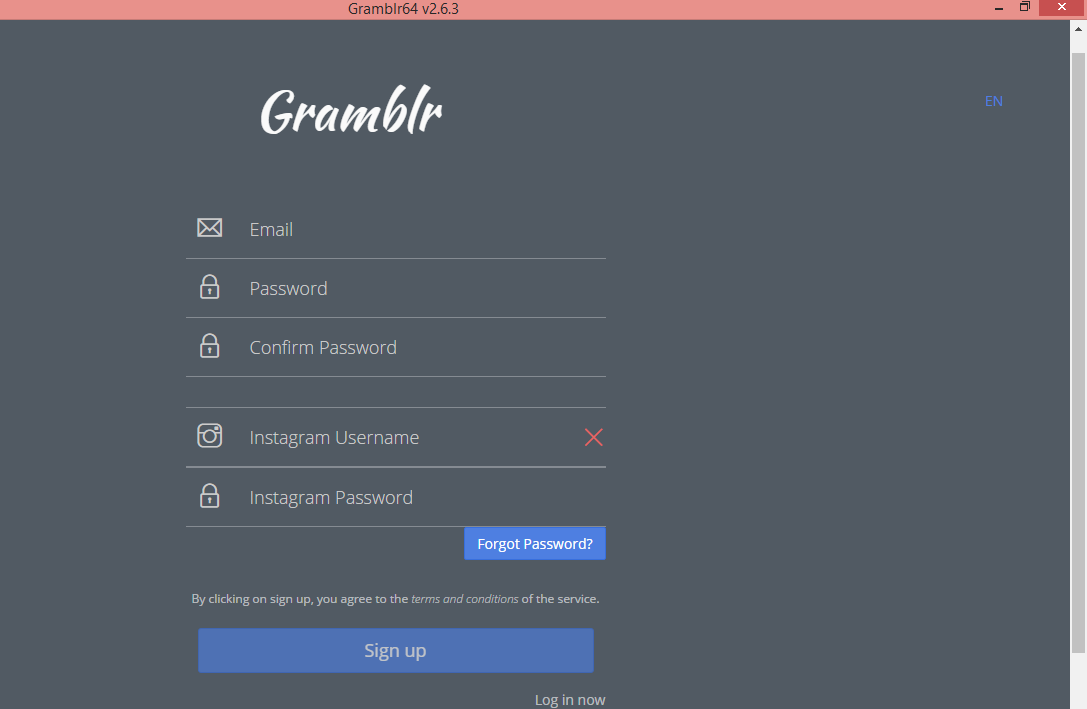
This is the best method to post pictures on Instagram from a Laptop/PC or Mac. You can also upload videos to Instagram from PC. This software is completely safe and easy to use. So, just download the software and enjoy Instagram on your Windows or Mac.
Trending: How to Download and Install Instagram account on PC or Mac without Bluestack – Legal Method
This post was last modified on February 8, 2022 00:02
Learn how to increase virtual memory in Windows 11, which in turn will improve system…
Learn how to remove OneDrive from File Explorer in Windows 11 with account unlinking, Group…
Learn how to find largest files on Windows 11 with File Explorer, Storage Settings, and…
Learn how to turn off OneDrive on Windows 11 by going to sync settings, unlinking…
Learn how to insert calendar in PowerPoint with templates, tables, or Excel. Present professional and…
Learn how to create templates in Outlook, which in turn will save you time, improve…
This website uses cookies.