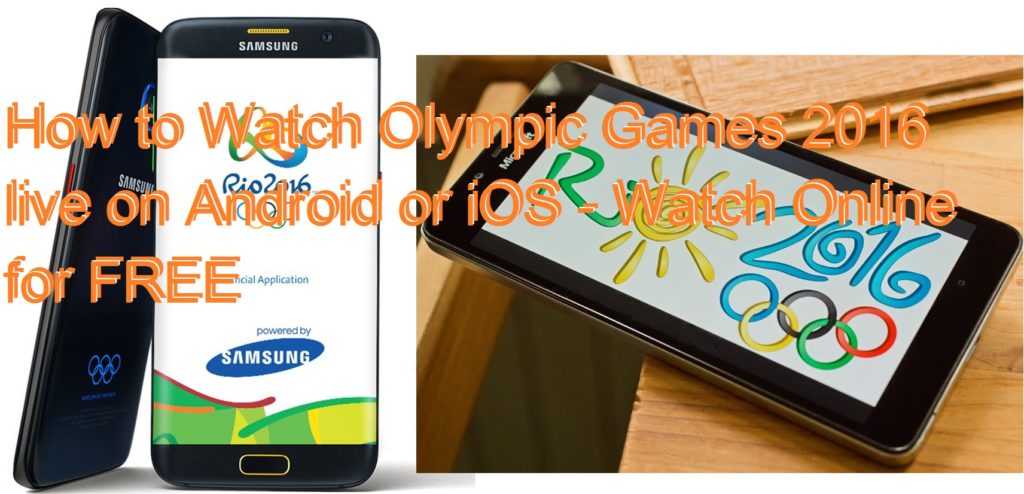
Hello friends, Today I will tell you a trick to watch Olympic Games 2016 live on your Smartphone. You can even watch Olympics games on PC/Laptops for free. You can see the live streaming of Olympics games directly on your mobile phone.
Hey, friends, I’m again here to tell you something new about watch 2016 Olympic Games Online. But firstly, I will tell you What is Olympic Games? Olympics it’s an international game which is held in after every four years. It features both Summer & Winter Olympic Games. The first Olympic game was held in 776 BC. It’s an Ancient Olympic Game were held in Ancient Greece in Olympia were held in every four years until 5th century AD. The first modern Olympics in 1896 in Athens, Greece & People represent their countries.
Read more: How to Send a Text Message from your Computer – Send Text Message Online
These games have many rituals & symbols like Olympic flag & torch as well as opening & closing ceremony. The players who come first, second & third place are awarded medals of gold, silver & bronze.
Now, a day’s people don’t have time to sit and watch Olympic Games. Due to their jobs, School & Colleges, etc. and also have a different schedule.If you have a single television in your home, it also seems difficult because everybody wants to see their shows.
I will tell you three applications with their download links. These apps are completely safe and tested. You can watch live events directly on your Android or iOS.
Read more: Top 5 Android Games that redefined gaming
It is the free app for all smartphones. You have to follow some easy steps to download this app & watch Olympic games online. Lets, see how? You can get the official Olympic app from both Android and iOS store. You can also view video from Olympics- official app by and track your favorite sports and athletes so that you never miss a moment.
Hotstar its a best app for Indians because it has local rights to broadcast the Olympic Games 2016. Hotstar will connect with Star India. For Downloading this app. You can get Hotstar app from both Android and iOS store.
Read more: Top 20 Best Website To Learn PHP Online for Free – 2018
There is officially launched for RIO 2016 Olympics on both Android and iOS store. I will suggest you download official app of Rio 2016 Olympics to get the latest news.
These are the 3 best apps to watch Olympic games live on your mobile phone. If you face any problem regarding this trick. Then, make comment below and share this article with your friends.
This post was last modified on February 26, 2022 18:13
Learn about Twitch Error 2000, what causes it, and we also go over 9 simple…
Learn How to Fix iPhone not Receiving texts. We have a list of 10 solutions…
Learn how to Insert emoji in Outlook for Windows, Mac, and Outlook Web. We have…
Flash drive not showing up in Windows or macOS? We have 9 solutions for you,…
Compare Batocera vs RetroPie to see which is the best retro gaming OS for your…
This website uses cookies.