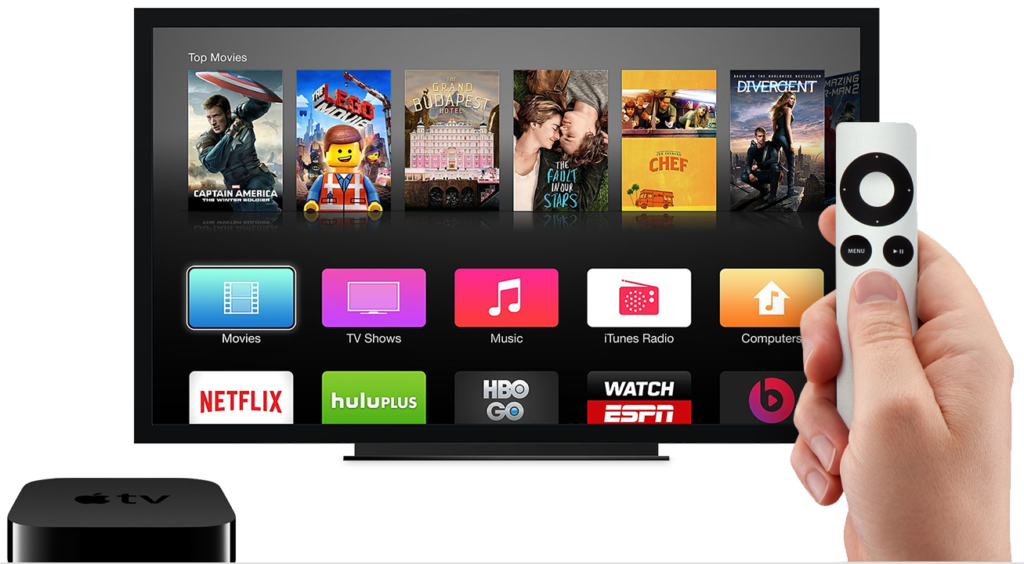
These days several people own TV and majority of the people are looking to buy a Apple TV. Each and everyone want to give a unique identity to there TV by changing the name of your Apple TV. In this article i will tell you how to change the name of your Apple TV or we can also say how to rename your Apple TV.
It is very easy to change the name of your Apple TV. All you need to do is follow every step mentioned below.
Note : If you again want to change the name of your Apple TV then do follow this procedure again.
Congratulations! You have done it. You have successfully changed the name of you Apple TV. This is the best way to Change/Rename your Apple TV. You can give any name to your Apple TV.
Was this article helpful?. Do share your views with us and don’t forget to share this article. One more thing tell us your Apple TV name. 🙂
This post was last modified on December 31, 2021 17:40
Learn how to increase virtual memory in Windows 11, which in turn will improve system…
Learn how to remove OneDrive from File Explorer in Windows 11 with account unlinking, Group…
Learn how to find largest files on Windows 11 with File Explorer, Storage Settings, and…
Learn how to turn off OneDrive on Windows 11 by going to sync settings, unlinking…
Learn how to insert calendar in PowerPoint with templates, tables, or Excel. Present professional and…
Learn how to create templates in Outlook, which in turn will save you time, improve…
This website uses cookies.