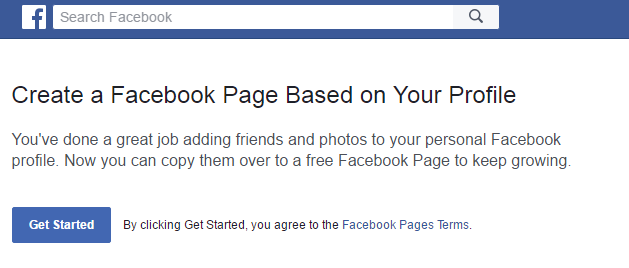
Hello friends, Today I will tell you a trick to convert the Facebook profile to page. You can convert/migrate your Facebook profile to the Facebook page without losing any friend. You can copy all your personal information and pictures to the Facebook page automatically.
Today, no one is unaware of Facebook and almost every person has a Facebook account. Some of you might wanna create a page of your name to get fame or for other purposes. Another reason for migrating to the page is that you want to connect with more than 5k people on Facebook. Facebook allows users to have only 5k friends on their friend list. Once you reach the limit of 5k friends. Then, people won’t be able to send you a friend request and they become your follower instead of friends.
Read more: How to Start Facebook Messenger Secret Conversations – Send Secret Messages on Facebook
First and foremost problem that people face after completing all steps is a login error message. Well, nothing to be worried about that. It is because Facebook can take 24-48 hours to migrate your profile. Once the migration is done, you will not get any password error.
Read more: How to Chat in Facebook Without Messenger Download – Easy Method
This is the best and easy way to convert Facebook profile to page. I have shared the best and easy way to merge your Facebook profile. If you face any problem regarding this trick. Then, do comment below and don’t forget to share this article with your friends.
This post was last modified on January 29, 2018 04:02
Learn how to increase virtual memory in Windows 11, which in turn will improve system…
Learn how to remove OneDrive from File Explorer in Windows 11 with account unlinking, Group…
Learn how to find largest files on Windows 11 with File Explorer, Storage Settings, and…
Learn how to turn off OneDrive on Windows 11 by going to sync settings, unlinking…
Learn how to insert calendar in PowerPoint with templates, tables, or Excel. Present professional and…
Learn how to create templates in Outlook, which in turn will save you time, improve…
This website uses cookies.