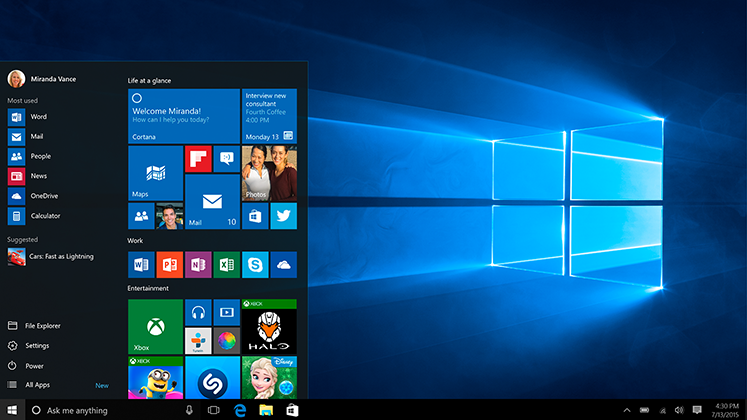
Yes, it is possible to update your current windows to windows 10 without any online feature. You don’t need to sit back and wait for hours for updating your windows 10. In this trick, you can even select the update which you want to install on your device. When you choose from your own, then the majority of the features of Windows 10 will run on your device. In the offline installation of Windows 10, first, we download all the updates of Windows 10 and then install them on our own at any time.
This trick will help you to install Windows 10 again and again without downloading any updates. It will save your internet data, and you can personally install the update which you want to install.
Read more: How to Force Windows 10 Updates to latest Version – 100% Working
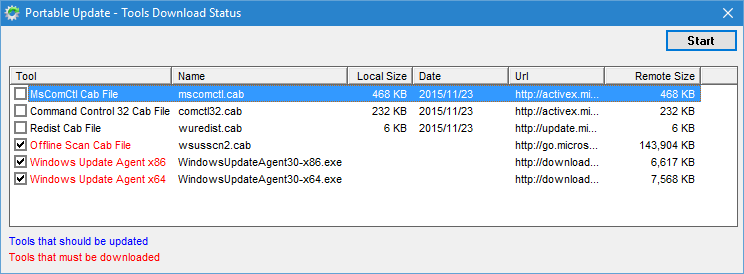
To update Windows 10 offline, we need a software Portable Update. It is a freeware software which allows you to download all updates of windows 10.
Read more: Top 3 methods to Download Windows 10 Creators Update and Upgrade Assistant
Congratulations you have done it now enjoy windows 10 feature on your device. This is the best way to install/update windows 10 offline. You can apply the installation whenever you want, and while downloading the update, you can use your device too.
Well, if you have any query about this or face any problem while updating/installing windows 10 offline. Then, comment below.
This post was last modified on March 6, 2022 16:48
Learn how to increase virtual memory in Windows 11, which in turn will improve system…
Learn how to remove OneDrive from File Explorer in Windows 11 with account unlinking, Group…
Learn how to find largest files on Windows 11 with File Explorer, Storage Settings, and…
Learn how to turn off OneDrive on Windows 11 by going to sync settings, unlinking…
Learn how to insert calendar in PowerPoint with templates, tables, or Excel. Present professional and…
Learn how to create templates in Outlook, which in turn will save you time, improve…
This website uses cookies.