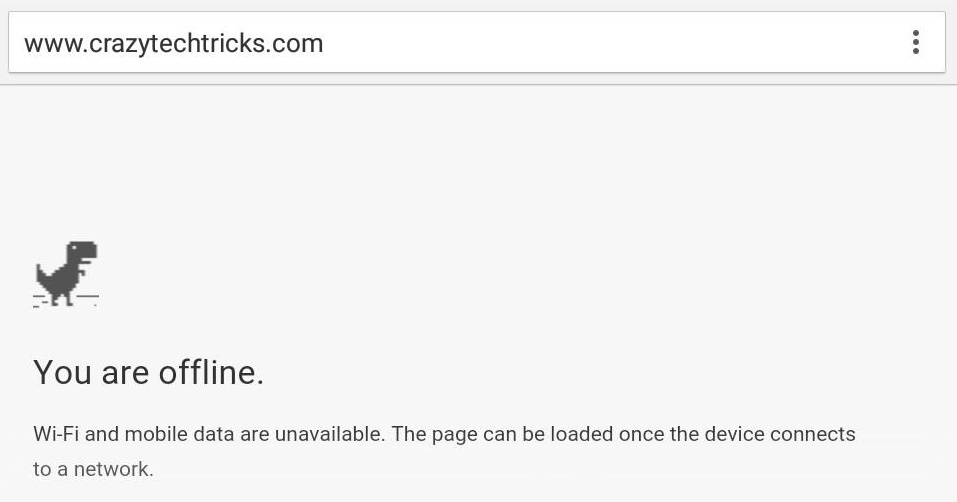
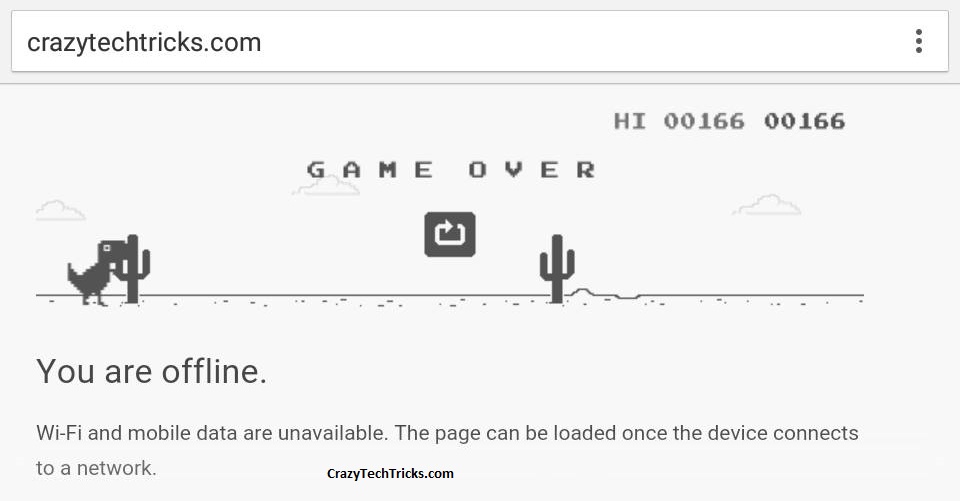
Yes! you heard it right play game on google chrome when internet is not coming or some problem with your internet and you can play on your Android device too. This is the hidden feature present in Google Chrome which allow you to play the game in there browser. This game help you when you are struggling with your internet connection and Google Chrome shows a webpage with a T – rex Dinosaur and text written You are offline. Trust me or not but that Dinosaur can jump and you can play the game when you are offline.
Almost none know about this amazing feature and today am disclosing this feature.
Note : To Jump the Dinosaur press space bar on your Desktop, Laptop and tap on Dinosaur when you are on Android smartphone.
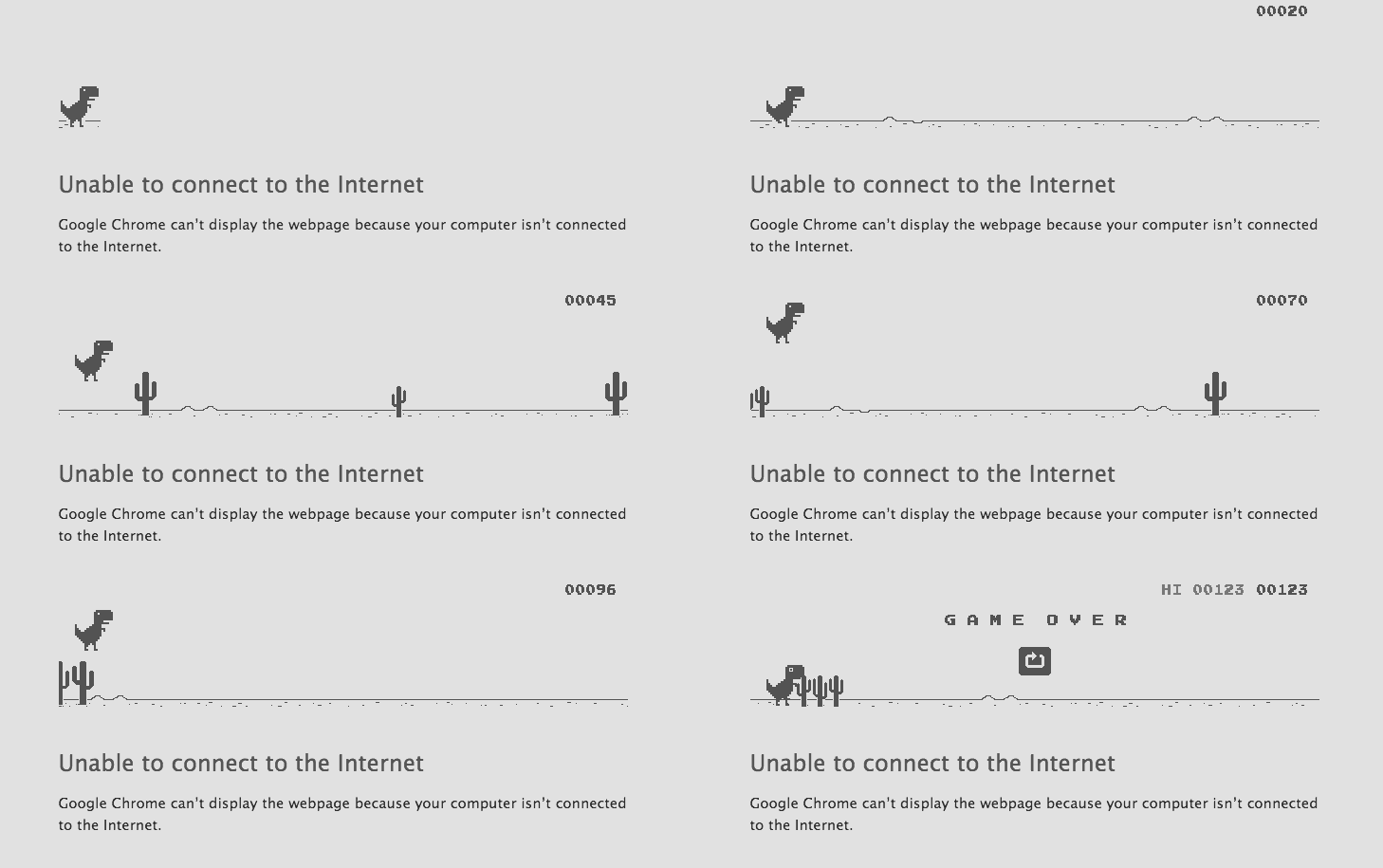
Yes, you have started the game. You will get the point shown at the right. It will show your highest score and current score. This T – rex Dinosaur is jumping over the cactus to gain some points. More you proceed more score you get and further you will see birds coming your way and game becomes much faster. It will also play the sound when you reach a milestone of 100. It will play the sound when you reach 100,200,300…. so on.
One more thing don’t forget to tell your score in comments and share this article and let everyone know about this amazing game.
Trending : How To Make Free Phone Calls Using Gmail Account
This post was last modified on December 31, 2021 17:45
Learn how to increase virtual memory in Windows 11, which in turn will improve system…
Learn how to remove OneDrive from File Explorer in Windows 11 with account unlinking, Group…
Learn how to find largest files on Windows 11 with File Explorer, Storage Settings, and…
Learn how to turn off OneDrive on Windows 11 by going to sync settings, unlinking…
Learn how to insert calendar in PowerPoint with templates, tables, or Excel. Present professional and…
Learn how to create templates in Outlook, which in turn will save you time, improve…
This website uses cookies.