In this guide, we will go over what is error code 267, common causes of the error code 267 and what you can do to fix it. We provide the best 6 ways to fix it.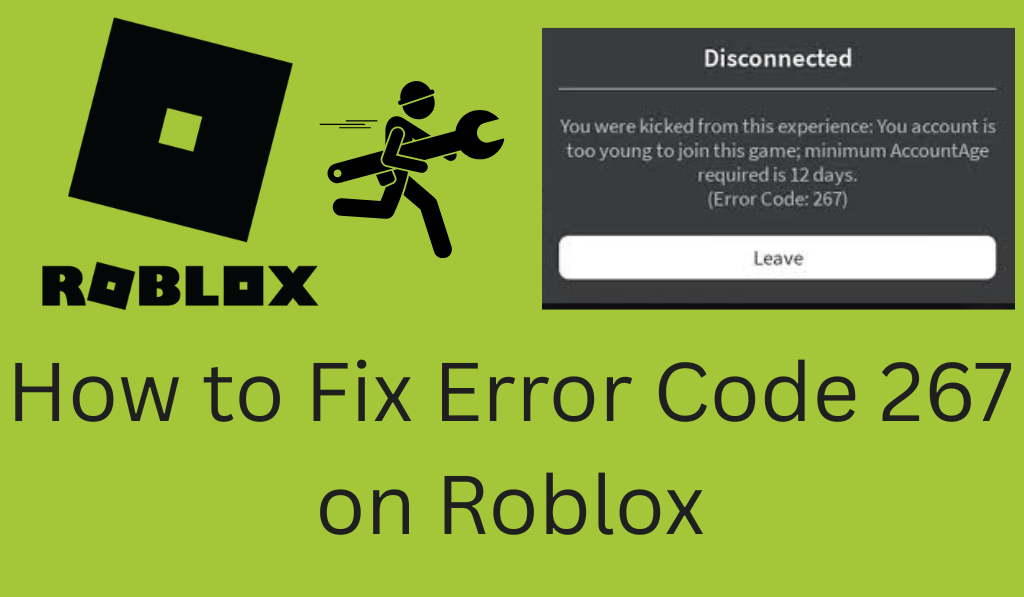
How to Fix Error Code 267 on Roblox
If you are a Roblox player, you may have run into Error Code 267. That error that throws you out of a game is frustrating. At the same time, it is usually easy to sort out. We will deeply explain it.
Read More: How to Create Roblox GamePass
What is Roblox Error 267?
Error Code 267. This is a result of issues with your account, the game, or your internet connection. For the most part, it is fixable with some simple steps.
Read More: How to Clear Roblox Cache Complete Details
Common Causes of Error Code 267
- Suspended or Banned Account: If you have a Roblox account that has been put on time-out or banned for breaking the community rules, your account may be kicked out of games, and you will see Error Code 267.
- Game-Specific Issues: Sometimes the issue is due to bugs in the game or server problems, which are out of your control and which have to be resolved by the game’s developers.
- Internet Connection Problems: A poor or fluctuating internet connection may also bring up this issue. If Roblox is to lose stability in its connection, which is a very common issue, you will be kicked out of the game, which in turn causes Error Code 267.
- Corrupted Roblox Files: If your Roblox installation is out of order, missing files will cause you to not connect to the game, which in turn may result in Error Code 267.
- Third-Party Software or Extensions: Some issues you may experience are that third-party programs and browser extensions that interact with Roblox may be a cause, for instance, if you are using a VPN or ad-blocking software.
Read More: Top 10 Best Characters in Roblox
How to Fix Error 267 on Roblox
Here are some important Steps to resolve Error Code 267:
1. Check your Roblox Account Info
It is also the status of your account. Check that your account isn’t banned. If it is, you will have to wait for the ban to be removed or get in touch with Roblox support for an appeal.
2. Reinstall the Roblox App
If you are having issues with the Roblox client, uninstall it and go to the Roblox site. Download the recent version and do a reinstallation of the game.
3. Check your Network Connection
Be sure your internet is stable. Try rebooting your router or switching to a different Wi-Fi network. A strong and stable connection will prevent this.
4. Turn off Third-Party Software or Extensions
Disable whichever of your run-time environments or browser add-ons may be interfering with Roblox. Such programs will play a role in creating issues with the Error Code 267.
5. Clear Browser Cache (for Web Players)
If you are experiencing issues with Roblox while in your browser, try clearing your cache. Go to your browser’s settings and clear out your cached files for Roblox to load correctly.
6. Reach out to Roblox Support
If you have tried everything, reach out to Roblox support. Include in your report what you did and what happened. Roblox support is also a resource for more complex issues, which they may be able to help you with.
Conclusion
Error Code 267 that we see is a result of many things, we see but also for the most part it is very simple to correct. Things like checking your account info, reinstalling Roblox, or bettering your internet connection are what you may have to do. Out of those issues, some are easy to sort out with a few steps. Should all else fail, we have Roblox support to which you can turn for help. By the way, these tips should have you back in the fun of Roblox in no time!
Leave a Reply