Understanding why checksum error WinRAR occurs, we also provide the solutions on how to fix them, which will save you time and stress. We provide the easiest 7 methods to fix it.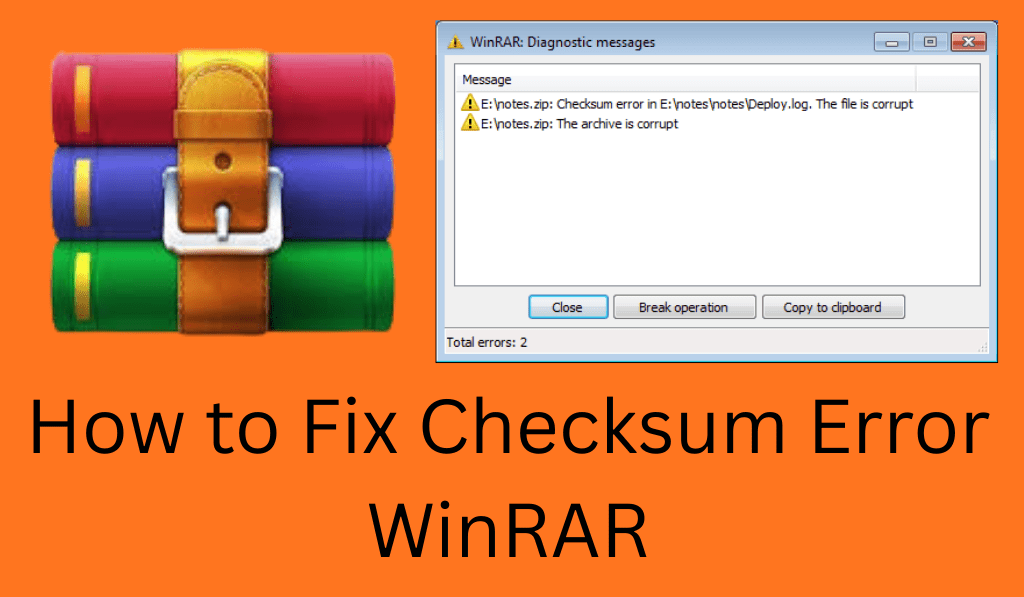
How to Fix Checksum Error WinRAR
Checksum error is also what many users report seeing when extracting compressed files. When you see a checksum error in WinRAR, it is because the archive may be damaged, incomplete, or corrupted. This error, which in turn will not allow proper extraction by WinRAR, can be quite a pain, especially with large and important data.
Read More: How to Fix CMOS Checksum Error Completely
What is Checksum Error WinRAR?
A checksum is a value that is used to check data integrity. In the case of WinRAR, which compresses files, it produces a checksum to see that the data is as intended. An error in WinRAR occurs when the checksum of the extracted data does not match the original checksum from the archive. That mismatch is a sign of file damage, interrupted download, or storage problems.
Read More: How to Update BIOS
Common Causes of Checksum Error WinRAR
Several issues may cause a checksum error in WinRAR:
- Incomplete or interrupted downloads
- Corrupted archive files
- Defective sectors in hard drives or USB drives.
- Virus or malware infection
- Outdated WinRAR software
Identifying the cause does which in turn allows you to choose the right method to fix WinRAR checksum errors.
Read More: How to Fix the “There Was a Problem with the Server 400” Error on YouTube
Method 1: Re-download the Archive File
One issue that may resolve the checksum error in WinRAR is to do a full re-download of the archive. Should the download have been interrupted for some reason or been of poor quality, the file you get may not be complete. Use a reliable internet connection at the time of download, and also do not use download managers, as they can at times break the file. In many cases, just a simple download again will fix the checksum issue.
Read More: How to Fix Disney Plus Error Code 39
Method 2: Use WinRAR Repair Tool
WinRAR includes a repair feature that is used to correct checksum errors.
Steps:
- Open WinRAR.
- Choose the Corrupted Archive.
- Click Tools > Repair Archive.
- Pick a destination and hit OK.
WinRAR will repair archives, although in some cases it does not restore every file; the process will at least in part to fully correct issues of checksum errors.
Read More: How to Add Error Bars in Excel 2013, 2016 or 2019
Method 3: Extract with “Keep Broken Files”
Sometimes you may recover files from a checksum error in WinRAR.
Steps:
- Right Click button on the archive.
- Choose Extract File.
- Check Keep Broken Files.
- Press OK.
This method gets past issues of checksum errors in WinRAR, which in turn is useful for videos, images, and documents that may still be made use of despite being corrupted.
Read More: How to Fix a Disk Read Error Occurred on Windows PC/Laptop
Method 4: Update WinRAR
An out-of-date version of WinRAR may have trouble with the new archive formats. We have had success with updating WinRAR to fix checksum errors caused by incompatibility issues. Also, always use the latest official version to reduce extraction errors and improve stability.
Method 5: Check Storage Device for Errors
A broken hard drive or USB stick can cause a checksum error WinRAR. Do a disk check to find out and fix bad sectors.
Steps:
- Open My Computer.
- Click the drive with the right button.
- Go to Properties > Tools.
- Press Check.
Fixing disk Errors will also prevent future checksum error WinRAR problems.
Method 6: Scan for Malware
Viruses will infect compressed files and cause checksum error WinRAR. Do a full system scan with an up-to-date antivirus program. Removal of malware will correct the checksum error WinRAR as well as prevent future downloads.
Method 7: Use Different Extraction Software
If you have issues with WinRAR, try out 7-Zip or PeaZip instead. Some of these tools are able to extract files that had been reported as corrupted by WinRAR, in particular if the damage is minor.
Preventing Checksum Error WinRAR
To prevent checksum errors in the future:
- Download files from trusted sources
- Use stable internet connections
- Keep WinRAR updated
- Avoid interrupting extraction processes
- System-wide virus scan.
Conclusion
A checksum error in WinRAR is not always a cause for worry which of course means that your files are not necessarily lost. Through re download of archives, file repair, latest WinRAR updates, device check for issues with your storage devices, and use of extraction options at hand a lot can be done to put things right with checksum errors in WinRAR. It is also with the right strategy that even corrupted archives can be at best only partially but at worse fully restored.
Leave a Reply