Error Code 277 Roblox is an issue that may put a stop to your gameplay for a number of reasons, which include network issues or corrupted files. Here is how to fix it, also how to prevent it in the future to ensure a smooth gaming experience.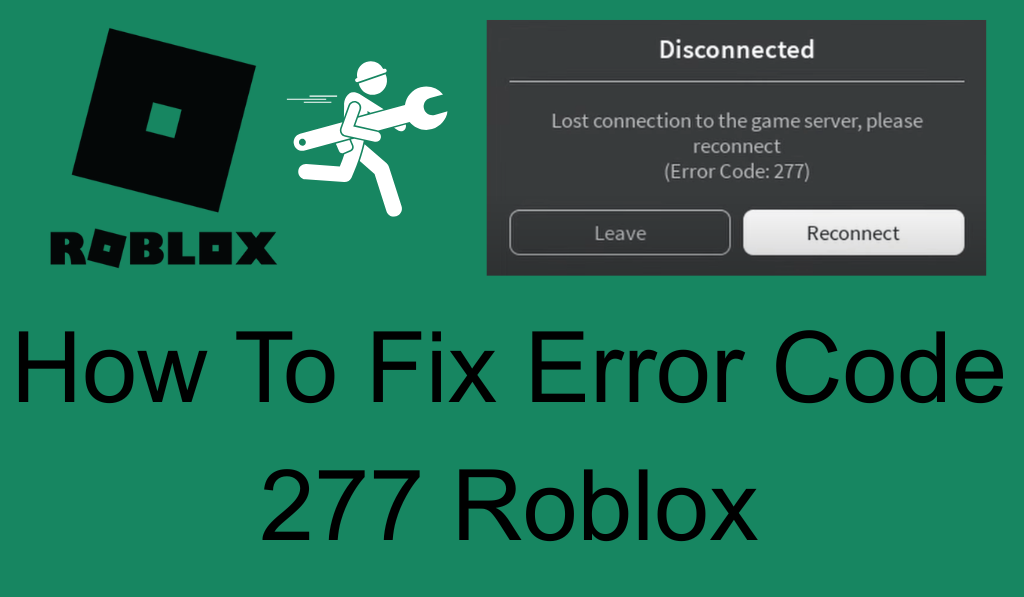
How to Fix Error Code 277 Roblox
Roblox is a very popular online platform which has a large user base that plays and creates games in it. But players at times experience Error Code 277 which causes them to be disconnected from games. This guide will put you through what the error is about and also present solutions which may fix it.
Read More: How to Fix Error Code 267 on Roblox
What is Roblox Error Code 277?
From time to time you may be kicked out of the game which we have noted as Error Code 277 Roblox. This can be a result of network issues, corrupted files, or server problems. We put forward that identifying what caused the issue is the first step in to fixing it.
Read More: How to Create Roblox GamePass
Common Causes of Error Code 277 Roblox
- Weak Internet Connection: Poor and unstable internet which is usually the cause of Error Code 277 when Roblox drops you from the game.
- Firewall or Antivirus Blocking Roblox: Your connection security like that of a firewall or antivirus may block Roblox from which in turn causes the error.
- Corrupted Files or Cache: Corrupt game files or out of date cache may cause that error.
- Roblox Server Issues: Sometimes Error Code 277 is a result of Roblox’s servers being down or in maintenance.
- Browser Issues (For Web Users): For players that use a browser, we see that out of date browsers or corrupted cache is a cause of Error Code 277 Roblox.
Read More: How to Give Robux to a Friend
How to Fix Error Code 277 Roblox
We Describe Different Ways to fix it here as follows:
1. Check Your Internet Connection
Make sure you have a stable connection. Go to a wired Ethernet connection for better stability. Try rebooting your router to fix any network issues. Also at times reconnecting your device to the Wi-Fi or restarting your modem will help with temporary connection problems.
Read More: How to Clear Roblox Cache Complete Details
2. Turn off Firewall and Antivirus Temporarily
Your firewall or antivirus may blocking Roblox. Turn them off temporarily to see if that fixes the issue. Should you have to, add Roblox back in. Also if you’re using third party antivirus pay attention to its settings which may have at classifying Roblox as a threat.
3. Clear Roblox Cache
Clear out the cache which also fixes issues of corrupted files. Open Roblox > launch Roblox Studio > go to “Settings” and pick “Clear Cache. That will remove out of date or damaged temporary files that may be the cause of the issue. After you do that which also should be done, restart Roblox and try again.
4. Update Your Browser (For Web Users)
If you are using a browser update it. Also clear out your cache and cookies to get rid of corrupted data. Sometimes, trying out a different browser (for instance from Chrome to Firefox) will fix compatibility issues with Roblox.
5. Reinstall Roblox
Reinstall Roblox as a solution to the issue. First remove Roblox, go to the official site to get the latest version, and then install that. Also this allows you to run the most up to date version of the software in which they may have fixed issues present in older versions.
6. Check Roblox Server Status
Sometimes we see outages which may present as Error Code 277 Roblox socials and also reports from the community on DownDetector. Should the issue be within Roblox’s control your only option is to be patient till their team resolves it.
Tips to Prevent Error Code 277 Roblox in the Future
- Use a Wired Connection: Wired connections are more reliable, we see less of an issue with drop outs. In larger homes which have many devices at once, Wi-Fi tends to break up.
- Clear Cache Regularly: Empty your Roblox cache to avoid issues with corrupted files.
- Check Firewall Settings: Make sure Roblox is on your firewall. Also this may fix issues which arise from the software being blocked from the internet.
Conclusion
Error Code 277 Roblox is from internet issues, corrupted files, or server problems. To sort it out try your connection, turn off your firewall for a while, clear the cache, or do a Roblox reinstallation. If that doesn’t do the trick check for server outages. By doing these steps you should be able to fix the issue and get back to playing. With a stable connection and proper set up this error will not disrupt your game play in the future.
Leave a Reply