If you see the “There was a problem with the server 400” error on YouTube, no need to panic! See what common issues cause, also check out the simple solutions we have that will fix it right and get you back to playing that video as smoothly as ever.
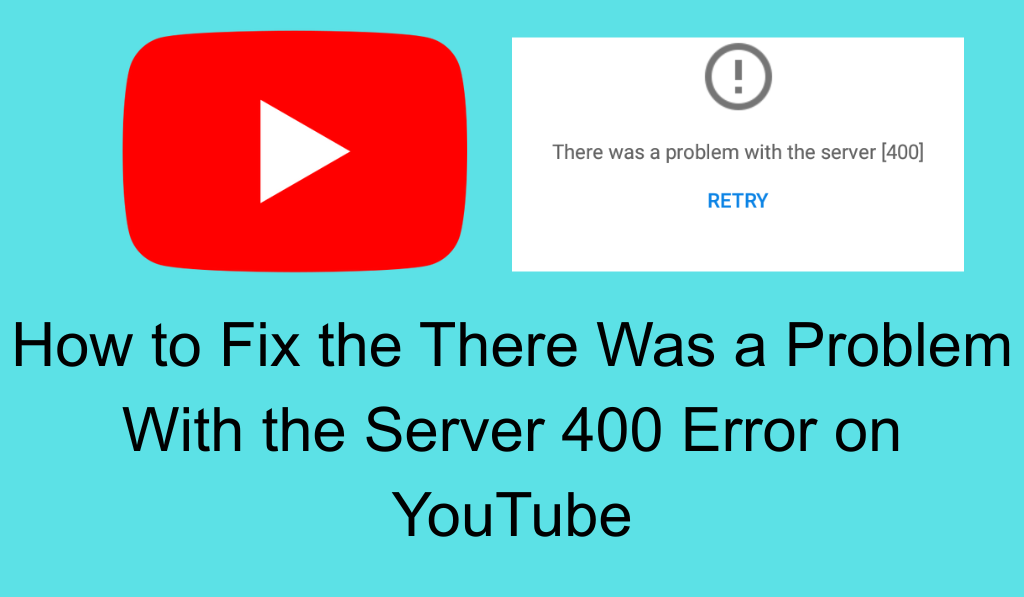
How to Fix the “There Was a Problem with the Server 400” Error on YouTube
If you have run into the “There was a problem with the server 400” issue on YouTube you are not alone. This is a very common issue which disrupts many users’ experience while they watch videos or upload content. By looking at what causes the issue and what you can do to solve it you can get it fixed fast and back to the YouTube you know and love.
Read More: Why is YouTube Not Working on My Phone? 8 Common Reasons and Fixes
What is the “There Was a Problem with the Server 400” Issue?
The HTTP 400 status code which we see as “There was a problem with the server 400” is a bad request error. That means the information put out to YouTube’s servers from which the error comes is malformed and thus can not be processed; this may be due to broken files, invalid links, or problems within the browser.
Read More: Top 10 Benefits of YouTube Premium Annual Plan
Common Causes of the Error
- Corrupted Cache or Cookies: Your browser stores temporary info (cache and cookies) which in turn speeds up web browsing. Should these files become corrupted it may cause the 400 error on YouTube.
- Incorrect URL or Input: An issue with a bad or mis typed URL may present itself as an error. This issue may arise if you input a YouTube or any other link by hand, or click through to a broken link.
- Browser Extensions: Some add on programs like ad blockers or privacy tools which may disrupt your connection to YouTube and you may see errors which include the error 400 message.
- Outdated Browser: In some cases old browsers may not support what YouTube’s servers do which in turn may cause issues like the 400 error.
- Internet Connection Issues: Slow and unstable connections which in turn cause some requests to fail and trigger this error.
- Server-Side Problems: At times it is a problem with YouTube’s servers, not with yours. We see issues like 400 errors which although less common.
Read More: How to Delete Watched Shows on YouTube TV on PC, Laptops or Android, iPhone
How to Fix the “There was a Problem with the Server 400” Error Issue
To fix “There was a problem with the server 400” issue try these steps:
1. Clear Your Browser Cache and Cookies
Corrupted cache and cookies are a main issue. Go to your browser’s settings, find the “Privacy Security” section, and select “Clear browsing data”. Check off “Cookies and other site data” and “Cached images and files”, then click “Clear data.
Read More: How to Fix YouTube Not Working on PC, Android or iPhone
2. Check the URL
Ensure that the YouTube link you are using is correct. Sometimes a tiny error in the address may cause a 400 error. If at all possible try out a copy and paste of the URL which may catch spaces or missing elements.
3. Turn off Browser Extensions
Some extensions which in fact are ad-blockers or privacy tools out of which some may interfere with your connection to YouTube. Try disabling them for a while and see if the issue persists. You can access and manage extensions in your browser settings.
4. Try a Different Browser
If that doesn’t work try out another browser. Some of the time a certain browser version may not play nice with YouTube.
5. Update Your Browser Version
Make sure to keep your browser updated. Outdated browsers may have problems with YouTube’s servers. Most browsers update automatically but you can also go into your browser’s settings to check for updates.
6. Check Your Internet Connection
A poor quality or unstable connection may cause the 400 error. Check that your internet connection is stable. Also you may have to restart your modem or router to improve your connection.
7. Turn off VPN or Proxy
If you are using a VPN or proxy server try turning it off for a bit. These services at times cause issues with YouTube which in turn may cause the error.
8. Awaiting Server Updates
If you’ve tried all options and the error “There was a problem with the server 400” still persists, may be the issue of youtube’s server At that time you need to report it to YouTube or wait for them to fix it yourself.
Conclusion
Facing There was a problem with the server 400 error on YouTube is frustrating but in most cases is fixable. As it goes with cached info corruption, wrong URL, or a bad browser add-on that may be the issue the steps above will put it right. If the issue is with YouTube itself, all that you can do is wait for them to fix it. With these tips though you should be back to smooth sailing on YouTube.
Leave a Reply