Learn about Twitch Error 2000, what causes it, and we also go over 9 simple solutions that will have you back to streaming in no time.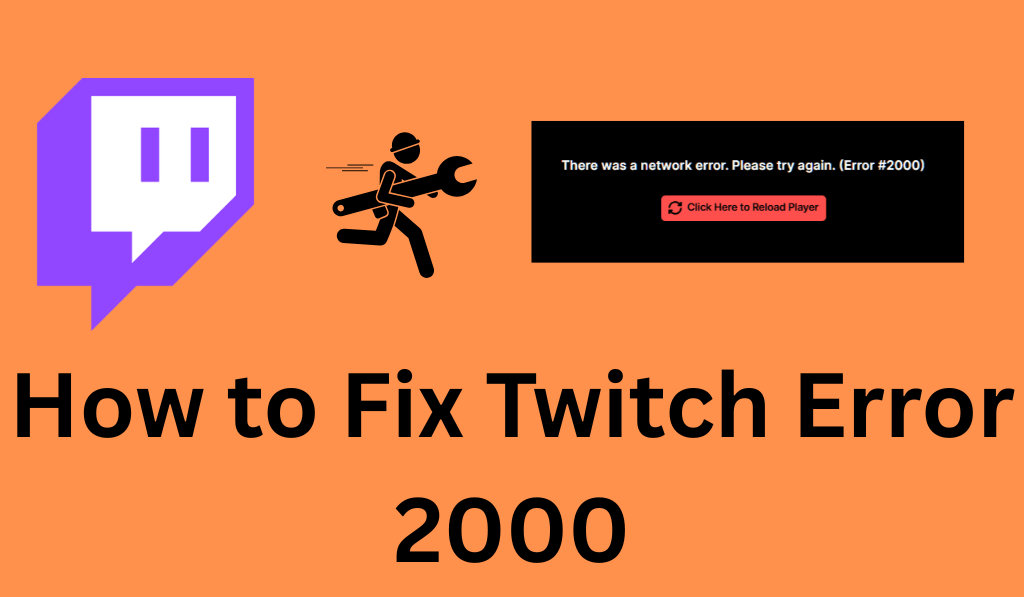
How to Fix Twitch Error 2000
If you are facing the Twitch 2000 Error, you are not alone. Among the most reported issues on the platform, this one tops the list for both streamers and audiences. Also, it is very much a network issue, which in turn causes the video to not load properly. The bright side is that this issue is rather easy to fix with a few basic troubleshooting steps.
Read More: How to Fix Error 3000 Twitch
What is Twitch Error 2000?
Twitch Issue 2000 is a network issue that comes up when your browser doesn’t set up a secure connection with Twitch servers. When you see Issue 2000 appear, the stream may stop loading, you get a black screen, or you see a “Network Error #2000” message.
Twitch issue 2000 is that your browser is not communicating well with Twitch, which in turn is disrupting the stream.
Read More: How to Cancel Twitch Prime Subscription or Free Trial 30 Days
Why Does the Twitch 2000 Error Happen?
Understanding the issues that cause the Twitch 2000 Error will help you to resolve it faster. Here are the which out to be the most common causes of Twitch Error :
- Unstable Internet Connection: A weak or unstable internet connection causes most of the issues with the Twitch 2000 Error.
- Corrupted Cache and Browser Cookies: In some cases, stored cache files may cause issues with Twitch, which in turn triggers error 2000.
- Ad Blockers and Browser Add-ons: Ad blockers may break Twitch scripts, resulting in what is called the Twitch 2000 Error.
- Antivirus and Firewalls, which block Twitch: Security programs can also block the connection to Twitch and, at times, produce the 2000 error.
- Out-of-date browser: A current version of your browser is required to display Twitch properly, which you may not have, which in turn is causing issue 2000.
- Virtual Private Network or Proxy Services: VPN services may drop the connection to Twitch servers, which in turn causes Error 2000.
Read More: How to Link your Amazon Prime to Twitch with or without Amazon Prime
How to Fix Twitch Error 2000
Here are the steps to fix Twitch Error 2000.
1. Refresh the Page
Sometimes, Error 2000 is temporary. Try refreshing the page to see if the issue with Twitch Error is resolved. Also, do a hard refresh by pressing Ctrl + F5 to clear out minor issues.
Read More: How to Set Up Donations on Twitch using PayPal, Stream Labs & Twitch Bits
2. Check Your Internet Connection
Since issues of Twitch Error 2000 are related to network problems, try restarting your modem and router. For a better result, switch to a wired connection if you can. Very often, a stable network will immediately fix Error 2000.
3. Clear Browser Cache and Cookies
Corrupted cache data reports to be the cause of the Twitch 2000 Error. Go to your browser settings, clear out your cache and cookies, restart the browser, and try Twitch again.
4. Disable Ad Blockers and Extensions
Ad blockers are a common cause of Twitch Error. Turn them off temporarily and refresh the stream. If the issue goes away, add Twitch to your extension’s whitelist.
5. Temporarily Disable Antivirus or Firewall
Antivirus software may also cause the issue of Error 2000 on Twitch; in these cases, try to temporarily disable it, then see if it remedies the issue with that code. If that works, then set up a permanent exception for Twitch.
6. Update Your Browser
Outdated browsers also cause issues, which may present as Twitch Error 2000. Update to the newest version of your browser and try again.
7. Try a Different Browser
If Issue 2000 persists, try opening Twitch in a different browser to see if Error 2000 is related to the browser.
8. Disable VPN or Proxy
VPNs and proxies may cause issues with Twitch connections, which in turn trigger Error 2000. Try turning off your VPN and doing a stream refresh.
9. Flush DNS Cache
Flushing your DNS cache also fixes Twitch Error 2000. On Windows:
- Open Command Prompt.
- Type: ipconfig/Flushdns
- Click Enter.
Restart your browser and see which issue of Twitch Error 2000 is fixed.
When to Contact Twitch Support
If none of these Fixes work for Twitch Error 2000, the issue may be related to server problems. Also, in very rare instances, Error 2000 is due to outages. For the latest on this, check in at Twitch’s official channels or support page.
Conclusion
Twitch Error 2000 is usually a network issue, browser cache problem, or a conflict with security software. Also, it is a common issue that may be resolved by a page refresh, an improved internet connection, cache clearing, or turning off ad-block and VPN services.
Through these steps, you may quickly resolve Twitch Error 2000 and return to smooth streaming on Twitch with no interruptions.
Leave a Reply