Learn to extract icon from EXE files easily and safely. Also, we will look at how to save high-quality ICO versions of Windows applications for use in your shortcuts, design projects, presentations, and development work.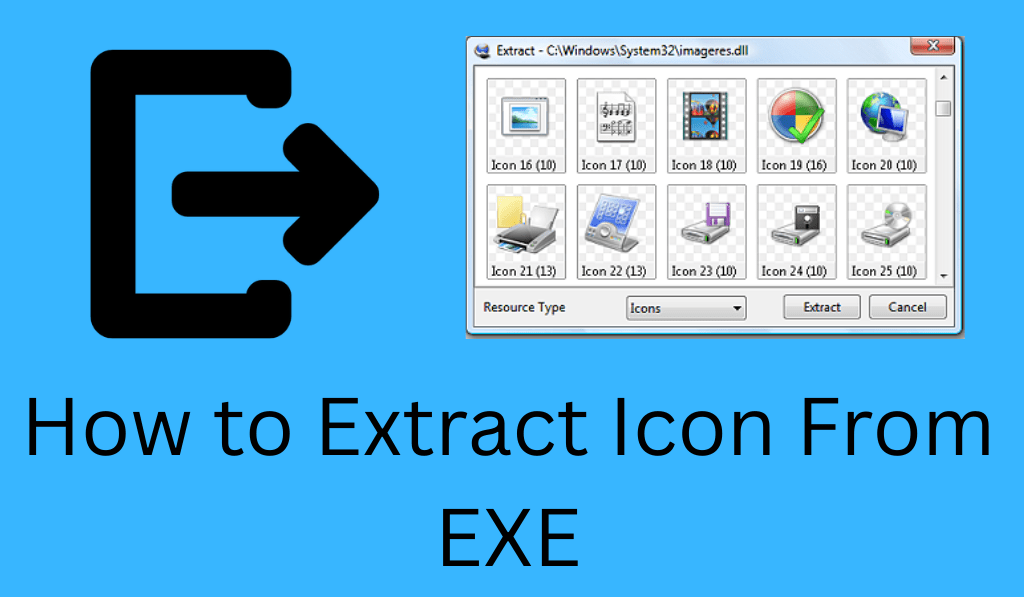
How to Extract Icon from EXE
If you are looking to get an icon out of an exe, you’ve come to the right place. Many Windows applications have their icons within the executable .exe) file. When you extract an icon from an .exe, you can use it for shortcuts, design in your projects and presentations, or development work.
Read More: How to Fix Chrome.exe Volume Popup
What Does it Mean to Extract Icon from EXE?
When you take out an icon from an exe, you are getting the icon resource, which is put in a Windows executable file, and saving it out as a separate.ico file. Most software programs, which include Google Chrome and VLC media player, for example, have many icon sizes included within their.exe files. By learning how to extract icons from exes you can use these high-quality icons.
Read More: How to Use the Chmod Command in Linux
Method 1: Extract Resources from EXE with Resource Hacker
Resource Explorer is a very popular tool for pulling out icons from EXEs. It is a free utility that also allows you to view and modify resources in Windows executables.
Steps to Extract Icon from EXE:
- Download and install Resource Hacker.
- Open the software.
- Click File > Open and select your.exe file.
- Expand the Icon or Icon Group folder in the left panel.
- Choose the icon you want.
- Click Action > Save [Icon Group ] As….
- Save the file in .ico format.
This method is very reliable, and we see it best used when you frequently extract icons from exe files.
Read More: How to Clear Cache on Windows 11
Method 2: Extract Icon from EXE Using 7-Zip
Another easy way to get an icon out of an exe is to use 7-Zip. While 7-Zip is primarily a compression utility, it is also able to open some executables as if they were archives.
Steps to Extract Icon from EXE:
- Install 7-Zip.
- Right-click the .exe file.
- Select Open archive.
- Find.ico files in the folders.
- Extract the icon to your computer.
This method is true if the application has placed the icon in a separate file within the archive.
Read More: Top 4 Best Methods to Extract Table from PDF Files
Method 3: Extract Icon from EXE Using an Online Tool
If you don’t wish to download any software that can do this, which is also an option, you may go to an online service like ICONS Extract, which will do the job for you.
Steps:
- Visit the online extractor website.
- Upload your .exe file.
- Wait for the tool to process the file.
- Download the extracted icon.
Online tools do that job quickly, but stay away from uploading private executable files.
Method 4: Extract Icons from EXE with PowerShell
Advanced users, which is to say power users or those with a good degree of technical knowledge, may use Windows PowerShell to extract an icon from an exe. What we are describing is a script that, for large-scale icon extraction tasks, is very efficient. It does require a degree of technical know-how to execute, but it is very useful for automating the process for many files.
Why You May Need to Extract Icon from EXE
There are many icons that are extracted from the exe.
- Create custom desktop shortcuts
- Use icons in presentations
- Design user interfaces
- Backup original application icons
- Personalize Windows themes
When you get an icon from an .exe, you have access to high-resolution icons that are sometimes not found elsewhere.
Tips for Successfully Extracting Icon from EXE
For safe removal of an icon from an exe, note that:
- Always check unknown.exe files for malware.
- Use tools like Resource Hacker and 7-Zip.
- Save your icons as.ico for best compatibility.
- Choose the highest resolution icon available.
- Ensure you have permission before using copyrighted icons.
Conclusion
Learning to pull off an icon from an exe is easy if you use the right tools. Whichever you choose between Resource Hacker, 7-Zip, or an online extractor, you can easily do it in just a few steps. Through the processes outlined above, you may quickly and safely extract an icon from an exe for design, customisation, or development. With the right tools and a little know-how, almost anyone can do it efficiently.
Leave a Reply