Learn a simple guide on how to repost on TikTok. We will go over with simple steps to share videos, the benefits of reposting, and also how to undo a post from your account that you may have reposted.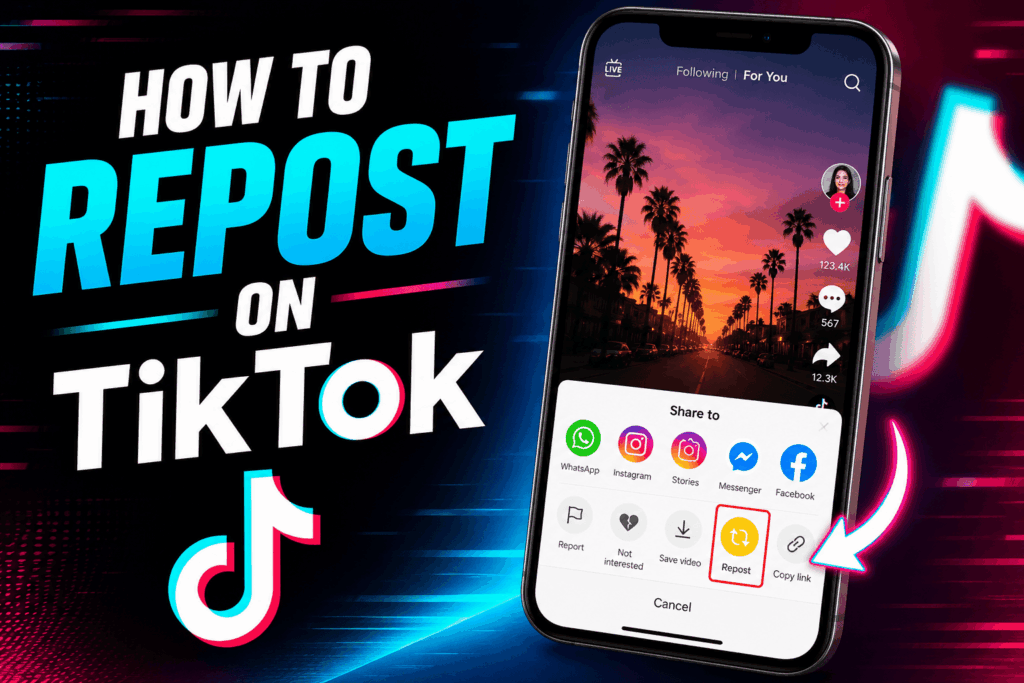
How to Repost on TikTok
TikTok is a platform that users love to use for sharing viral and entertaining videos. We see that the repost feature on TikTok is a simple and effective way to share content with your followers right away. By learning to use the repost feature, TikTok users can improve their experience and connection to the platform.
Read More: How to Change Age on TikTok
What is Repost on TikTok?
On TikTok, you are able to share a post from another creator to your audience. Instead of going through the process of downloading and uploading the video again, we have the repost feature, which allows you to share content right from the app. Also, this feature increases the reach of the posts, which in turn also brings to light the original creators’ work.
Many users turn to repost on TikTok for trends, funny clips, tutorials, and viral videos. It is also the easiest way to increase engagement and interact with followers.
Read More: Does TikTok Notify When You Screenshot – Complete Details
Steps to Repost on TikTok
If you would like to repost on TikTok, here is what you do:
- Open up TikTok.
- Find the post you wish to share on TikTok.
- Click the Share button.
- Click on the “Repost” button.
- On your feed, it will repost for your followers.
The process to repost on TikTok is very quick and involves sharing content instantly.
Read More: How to Delete all TikTok Videos at Once
Benefits of Repost on TikTok
Using re-posts on TikTok has many benefits. First up, re-posts, which are a feature on TikTok, allow users to share great content without having to create a new video. Also, reposts increase engagement, which in turn sees your followers interact more with the shared content. Also, reposts help creators to reach a larger audience.
Another large benefit to reposting on TikTok is content discovery. Users are able to introduce their followers to new creators, trends, and challenges. This, in turn, makes reposting on TikTok a key feature for growing communities on the platform.
Why People Use Repost on TikTok
Many creators and presenters on TikTok, They put out what is trending to keep their profiles very much alive and engaging. Also, some users will post via the repost feature to support friends or their favorite presenters, and others will use it to share educational and motivational videos.
Brands and companies also incorporate repurposing into their TikTok marketing strategies. By posting trendier videos, they improve visibility and attract larger audiences.
Can You Undo Repost on TikTok?
Yes, on TikTok, users may at any time remove a post they shared. To cancel a share on TikTok, open the video that was posted by someone else, press the Share button again, which is usually a box with an arrow, then select “Remove Repost”. This immediately takes the removed repost out of your profile feed.
Conclusion
The feature of reposting on TikTok is an easy way to share videos, support creators, and increase engagement. By using the repost function on TikTok, you can improve your experience there to be more interactive and entertaining.
Leave a Reply