Learn what Queued meaning in Gmail, including why emails get put on hold, typical causes of delay like slow internet, server traffic, large attachments, and what you can do to identify and fix issues that cause send delays.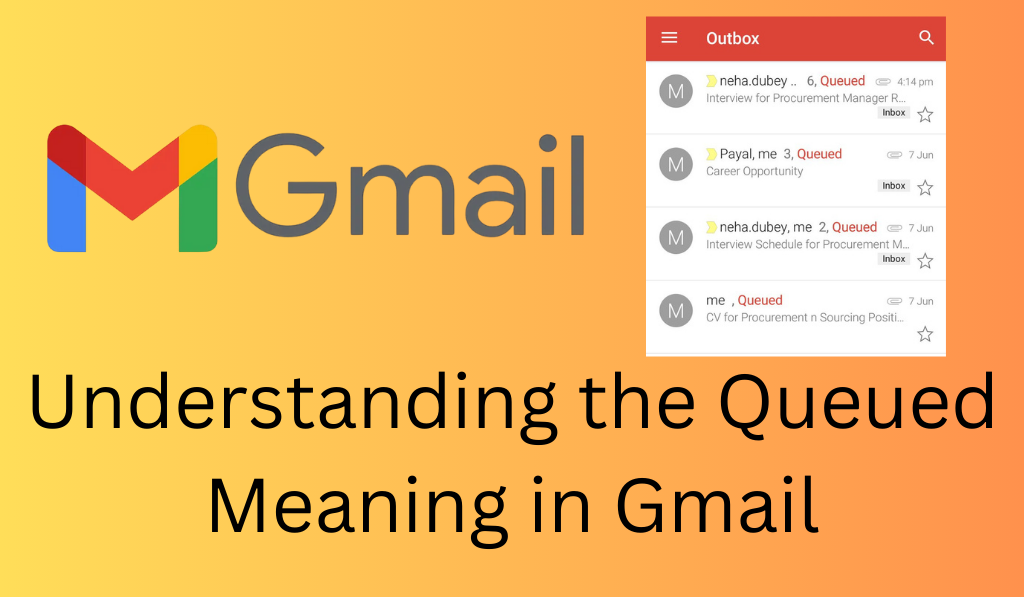
Understanding the Queued Meaning in Gmail
When you use Gmail at times you may see the term “queued” which may at first seem like a simple concept, but in fact it is a key part of the email delivery process in Gmail. In this we will look at what “queued” means in the context of Gmail, why it is that it happens, and what effects it has on your email experience.
Read More: How to Unarchive Gmail (Desktop & Mobile Best 3 Methods Explained)
What Does Queued Meaning in Gmail?
In Google’s email system which we use for Gmail, an email that is “queued” is one that is in the process of being sent out but has not yet gone out. Instead of immediate dispatch, it sits in a queue which it will be taken from in due time to be sent out by our servers. See it as waiting in a long store line the email is in a state of wait and will be delivered at an appropriate time to the intended recipient.
Read More: How to Backup Text Message in Gmail
Why Does Gmail Queue Emails?
There are Several Reasons that’s why many people ask Queued Meaning in Gmail there some are as follows:
1. Slow or Unstable Internet
The main Reason for Queued meaning in gmail was unstable internet.If your connection is weak or fluctuating, Gmail will put the email in the queue until the internet improves.
Read More: How to Search Gmail by Date, Month or Year
2. Server Traffic or Maintenance
The most asking question queued meaning in gmail due to heavy traffic or server maintenance Gmail may put emails in the queue.
Read More: How to Send Fax From Gmail using PC/Laptops or Android/iPhone
3. Large Attachments
To Know Queued meaning in gmail firstly you know Emails which have large files or attachments take time to process and may be put in the queue until they are sent.
4. Sending Bulk Emails
Most user question is what’s the queued meaning in gmail was because of When you send in large batches of emails at once Gmail may put those in a queue. They may do that to prevent the servers from getting overloaded or to avoid your email from going into the junk folder.
5. Scheduled Emails
When you have set a time for an email to send it will stay in the queue until that time.
How to Check If Your Email is in Queue
If you are not sure about the status of an email in the queue here is how you go about it:
- Drafts Folder: If your email has not gone out yet it may be in the Drafts folder. We will see a note that it is queued if there is an issue with the send.
- Outbox Folder:In the Google Mail mobile app you will see your sent emails in the “Outbox”. Should your email stay there for too long it is a issue.
Troubleshooting Queued Emails
If you are intersted to know the Queued Meaning in Gmail, here are some solutions:.
- Check Your Internet Connection: For a smooth experience make sure your connection is stable.
- Clear Cache: At times it helps to clear your browser’s cache for Gmail to process emails better.
- When Gmail is down we may see it sort out once the servers are up and running again.
- Reduce Attachment Sizes: Large file attachments will slow down the send process try to compress them or use Google Drive for large files.
- Avoid Bulk Emails: If you are sending to large groups of people do it out of time to which Gmail’s bulk email systems respond. Also do not exceed what is considered a normal amount of email traffic by which I mean don’t email every person at the same time.
Preventing Emails from Being Queued
To reduce the chance that your emails will be put in a queue, try the following best practices:.
- Ensure a Reliable Connection: Always ensure that your Internet connection is strong and stable when you send out important emails.
- Send Smaller Attachments: Avoid including large files in your emails. Use Google Drive for sharing.
- Be Mindful of Bulk Emailing: Only email your bulk messages to people who have signed up to receive them and also do not over do it at once.
Conclusion
In Gmail your email may be in a queue which means it is in the process of sending. This delay may be due to issues like slow internet connection, large attachmens, or server traffic. While your email is still in the queue and has not failed it is important to know what causes this and how to fix it. By using a few trouble shooting steps and best practices you can see to it that your email goes out more smoothly and in a timely fashion.
Leave a Reply