
SHAREit, one of the most basic apps for transferring files from one device to another, is planning to make it big in India. According to SHAREit’s co-founder Michael Qui – they are planning to recruit 20 – 30 people next year for their new office sited in Gurgaon. SHAREit is for sure the most significant […]
How to Chat in Facebook Without Messenger – Easy Method
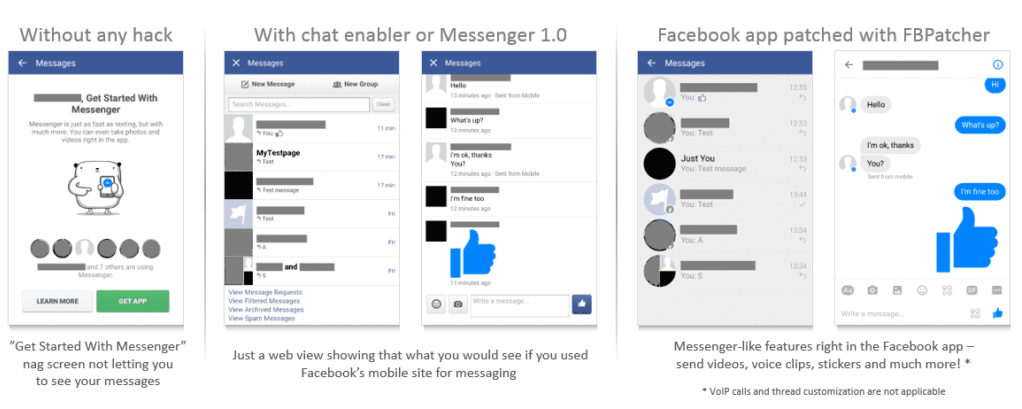
Hello friends, Today I will tell you a trick to chat in Facebook without messenger download. Yes! You heard it right. You can chat on Facebook with your friends and family without using Facebook messenger. Users can chat all your Facebook friends directly without a Facebook app and even without messenger download. Facebook is one […]
How to Change Facebook Name Before 60 Days – 100% Working

Hello friends, Today I will share a method to change Facebook name before 6o days. Users can use this method to change their name unlimited times. I have shared a link that will help you to change your Facebook profile name. You can change your name to any new name or previous name. Facebook is […]
How to Install Windows 7 Using USB Command Prompt – Latest Method
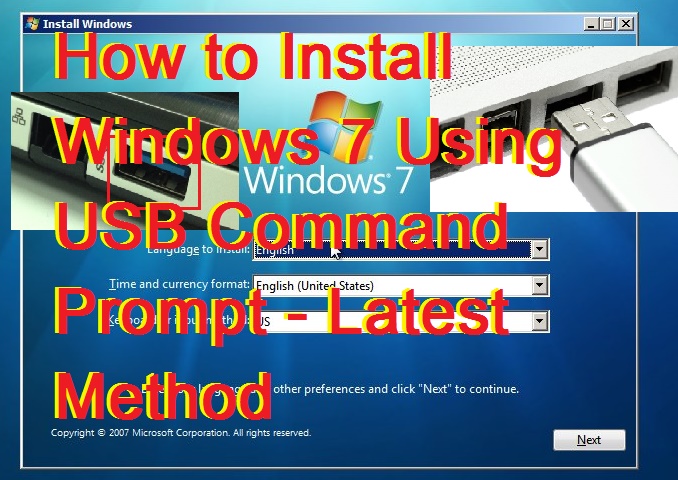
It’s fun to learn new things. What about Install Windows 7 Using USB Command Prompt from USB? It’s faster and more convenient than installing such operating system from optical discs. If you have a computer or laptop that comes without an optical drive. Then, you can use this method to Install Windows 7 Using USB […]
How to Speed Up Windows 8 – Easy Methods – Improve PC Performance
Increase your Windows speed. I will tell you straightforward methods and a trick to speed up windows 8. You can rapidly increase the speed of your operating system. These methods will cool down your system and improve the performance of Windows 8. These methods will speed up your Windows 8 PC/Laptops. You can work faster […]
Telegram vs WhatsApp – Comparison [ Which one is BEST]
![Telegram vs WhatsApp – Comparison [ Which one is BEST]](https://crazytechtricks.com/wp-content/uploads/2016/06/Telegram-vs-WhatsApp-–-Comparison-Which-one-is-BEST.jpg)
Telegram vs Whatsapp – Let us find out the real winner of the messenger. We will analyze these apps with few parameters. So, who wins the race? Which one is better Telegram or WhatsApp? Almost all people use a messenger on their smartphone. The question is what application they often use. There’s a fuss about […]