Discover how to clean Instagram feed and create a space that is true to your interests, which in turn reduces distractions and improves your daily scroll.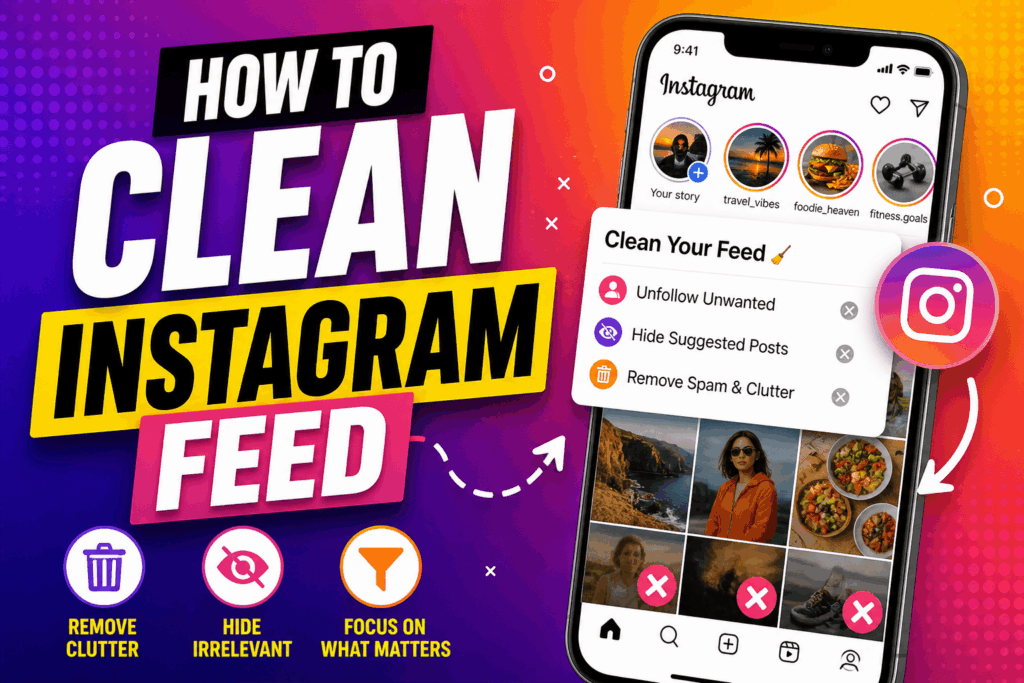
How to Clean Instagram Feed
In the digital world, it is key to have your social media organized for a better online experience. We see value in Clean Instagram as a practice that helps you get rid of clutter, reduce distraction, and present a space that is true to your present interests. Messy feeds tend to make you scroll aimlessly and expose you to content that no longer has value for you. That is why we think it is important to clean your feed for better mental clarity and productivity.
Read More: Does Instagram Notify When You Screenshot
Why You Should Clean Instagram Feed
When you go through your Instagram feed regularly, you improve what you see in it. Over time, your tastes change, but the feed may not reflect that. By cleaning your feed, you make sure what shows up is relevant to your goals, interests, and mood. Also, this will reduce stress and make your time spent on social media more enjoyable.
Read More: How to do a Remix on Instagram Reels
Unfollow Unnecessary Accounts
One of the best ways to clean up your Instagram Feed is to unfollow accounts that no longer pique your interest. Go through your follow list and find out which profiles are mostly into repetitive, negative, or irrelevant content. By doing this, you will see your feed clean up and fill with better content. This is an easy step that, in turn, greatly improves your overall experience.
Read More: How To Edit a Comment On Instagram
Use the Mute Feature
If you don’t feel right unfollowing someone, just mute their posts or stories to clean your Instagram Feed. This feature, which allows you to hide content without unfollowing the account, is great. It is a way to keep your relationships while at the same time having a clean Instagram Feed and being free of clutter.
Read More: How to See who Saved your Instagram Post
Engage With Relevant Content
Your actions play a large role in what appears in your feed. To clean up your Instagram feed, begin by liking, saving, and commenting on what you really care about. The algorithm will, in turn, present you with that type of content. This is a smart and natural way to Clean Instagram feed, which also saves you time.
Clear Search History
Another thing you can do to Clean Instagram Feed is to clear your search history. What you have searched in the past affects what shows up on your explore page. By resetting this info, you can see improvement in what is suggested, which in turn cleans up your feed. It is an easy step that will produce results.
Mark Content as “Not Interested”
When you come across irrelevant posts, go ahead and use the “Not Interested” option. That is how you tell Instagram what you don’t care for. As you do this over time, the platform is able to better determine what you don’t like, which in turn makes it easier to Clean Instagram feed automatically.
Organize Your Following List
To keep your Instagram feed looking clean and uncluttered, tidy up your follow list. You may put close friends and favorite creators at the top, which in turn puts their posts in your feed first. This will have you focused on what is important to you, and in turn, your effort to clean up your feed will be more successful.
Be Consistent
Cleaning out your feed is an ongoing task. For a clean Instagram feed, you must be a regular at the task. Make it a practice to remove what isn’t adding value, adjust what you see, and which accounts you follow, and fine-tune your interaction. Consistency is the key to your feed to remain relevant and fresh.
Conclusion
To do well at cleaning up your Instagram feed, it is a mix of smart strategies like unfollowing, muting, what to post, and how to post it, and training the algorithm. If you put in effort regularly, you may see a feed that is inspiring, organized, and enjoyable. A well-maintained and clean Instagram Feed not only improves your social media experience but also supports a more positive and focused digital lifestyle.
Leave a Reply