You can remove duplicate contacts from your Android by following these two methods. I have shared both inbuilt methods to eliminate duplicate contact numbers on your phone. Occasionally, your Android phone will create two or more duplicates of single contact, depending on the circumstances. However, to keep our Android smartphones in good condition, we like […]
How to Create and USE Recovery Drive in Windows 8, 8.1 and 10 – With and Without USB
Best and easy way to create and use recovery drive in windows 8, 8.1 and 10. Create backup/recovery drive using USB or your system memory. Recover all your deleted data or Repair your computer. All the windows have the same method to create a recovery drive. How to Create and USE Recovery Drive in Windows 8, […]
How To Verify Google Adsense Account Without Pin Code Verification
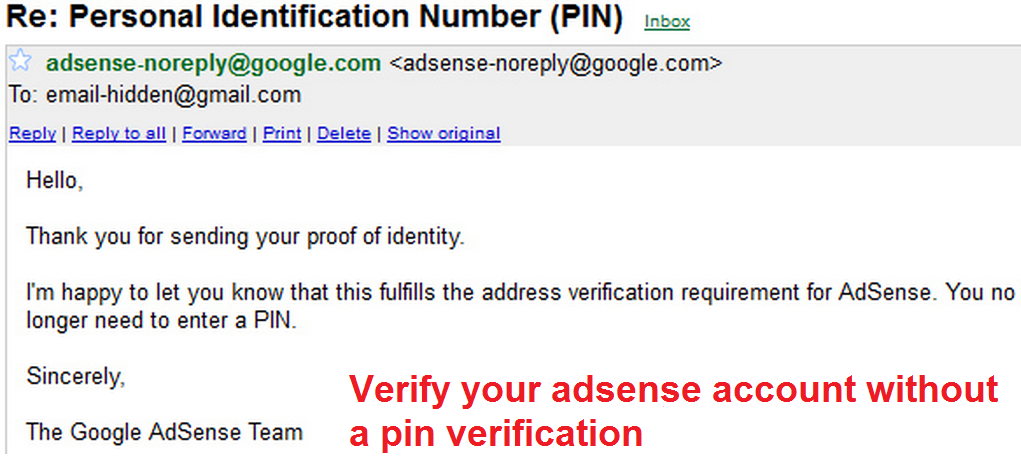
The best method to Verify Google Adsense account without Pin code verification. Verify Google Adsense account in just a few days. You don’t need any postal Pin code. If you have applied for an Adsense account and you live outside the United States. Then, it’s tough to get that pin through the post. Adsense will deliver the […]
How to Recover Deleted Notifications on your Android Phone – Easy Method
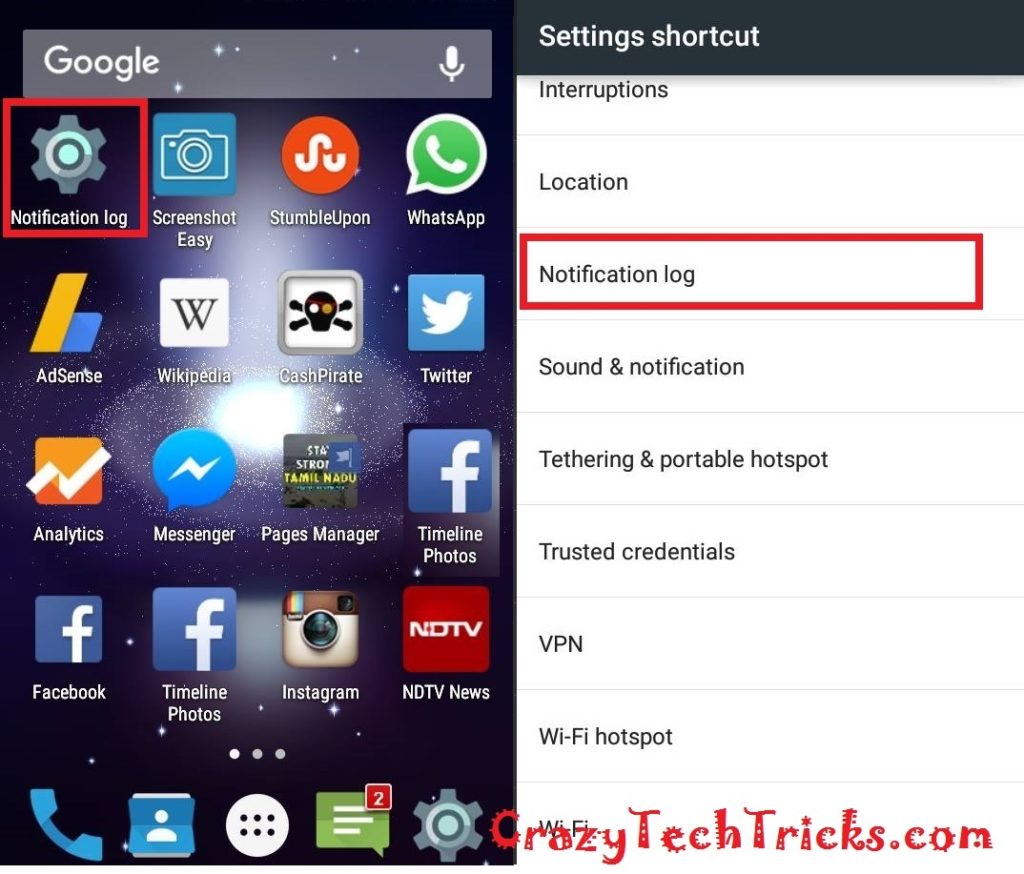
You can quickly recover deleted notifications from your Android phone. Restore the notifications which you have accidentally deleted with a trick. Recover notification from any application. I will tell you two easy methods to recover removed notifications on your smartphone. Don’t miss your essential notifications on Android Phone. You can cover and read all your […]
How to Download windows 7, 8, 8.1, 10 and Vista – Free and Legal Method
Download windows installer and install windows 7, 8, 8.1, 10 and Vista on your computer, laptop or any system. No product key required. Download from Microsoft’s website with a trick. Download Windows 7, 8, 8.1, 10 and Vista – Free and Legal Method Download and install Windows 7, 8, 8.1, 10 and Vista. How to […]
How to Use the On-Screen Keyboard in Windows 7, 8, 8.1 and 10
Use the on-screen keyboard on your computer. Use a digital keyboard on your computer. Here are all three different kinds of the on-screen keyboard. Microsoft has hidden feature of an On-Screen Keyboard. Users can use this on-screen keyboard on their Windows 7, 8, 8.1 and 10. Use the On-Screen Keyboard in Windows 7, 8, 8.1 […]