
Hello friends, Today I will tell you tricks to open or convert ASPX to PDF/Word or any desired method. You can open ASPX file on PC/Computer/Android or any device. I have shared several ways to convert ASPX file or to open ASPX file online or offline. How to Convert ASPX to PDF The primary issue […]
How to Secure Google Chrome Browser with Password – 100% Working
Hello Friends, Today I will tell you a trick to secure Google chrome browser with password. This extension will help you in locking your internet browser. You setup chrome password using this trick. Users can set up this password on their PC/laptop. How to lock Google Chrome Settings Google Chrome is the most used internet browser […]
How to Send Emails to Gmail “Primary” tab in place of “Promotion” or ”Social” – Easy Method
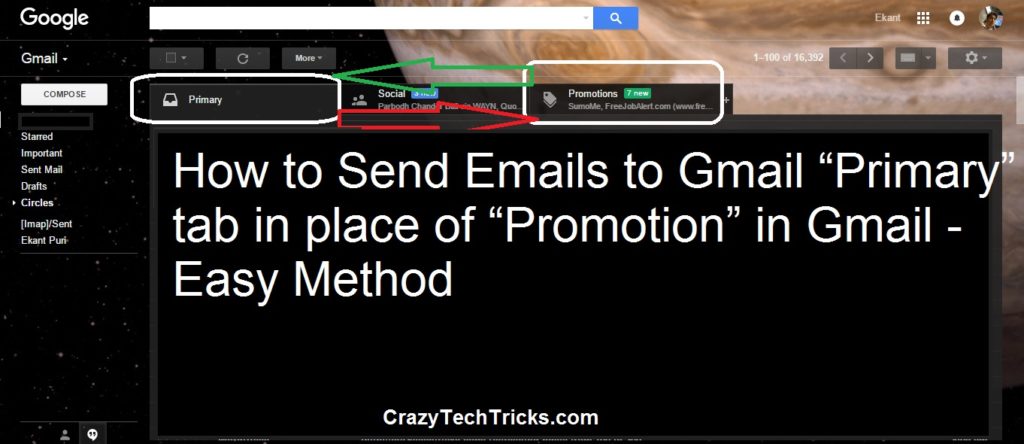
Send Emails to Primary Tab in Gmail. An easy method to place your email in a Primary tab instead of Promotion or Social Tab. Always place your emails in the Primary tab of Gmail. Remove your email from the Spam folder. Follow the simple and easy steps to send emails directly to the Primary section […]
How To Delete Your Google Search History on PC or Android/iPhone
You can delete your Google search history on PC or Smartphone by following these methods. I have also shared a guide to stop Google from saving your search history. You can clear your complete search history on Chrome. When you clear your Google search history, you get rid of a wealth of data that could […]
How To Verify Google Adsense Account Without Pin Code Verification
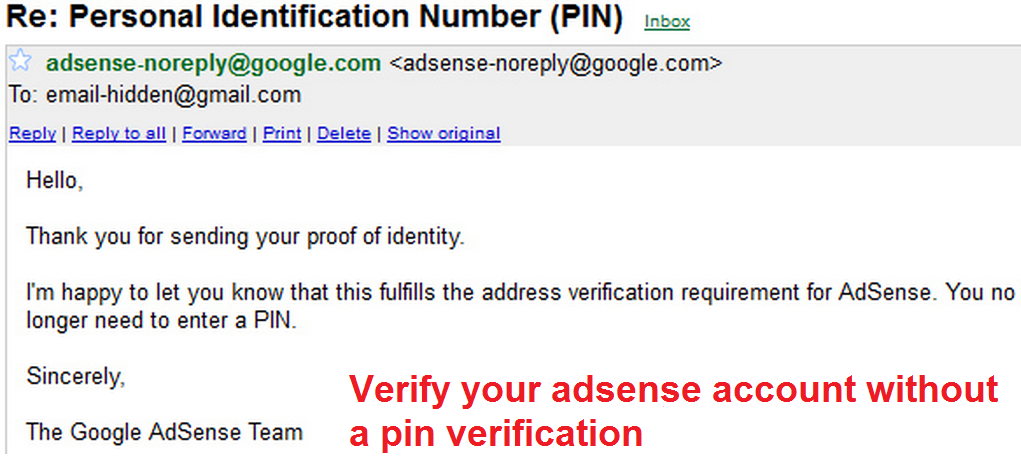
The best method to Verify Google Adsense account without Pin code verification. Verify Google Adsense account in just a few days. You don’t need any postal Pin code. If you have applied for an Adsense account and you live outside the United States. Then, it’s tough to get that pin through the post. Adsense will deliver the […]
How to open Recently Closed Tab in Google Chrome, Firefox and Internet Explorer 11

You can open Recently Closed Tab on your Windows PC/Laptop. I have share method for each and every Internet browsers. Restored closed tab on your computer in few seconds. All keyword shortcuts present to open recently closed tab in your browser. Every code offers to open your bookmarks in any browser. Users don’t need to […]