
You can open Recently Closed Tab on your Windows PC/Laptop. I have share method for each and every Internet browsers. Restored closed tab on your computer in few seconds. All keyword shortcuts present to open recently closed tab in your browser. Every code offers to open your bookmarks in any browser. Users don’t need to […]
How to Boost your Internet Speed with Google DNS
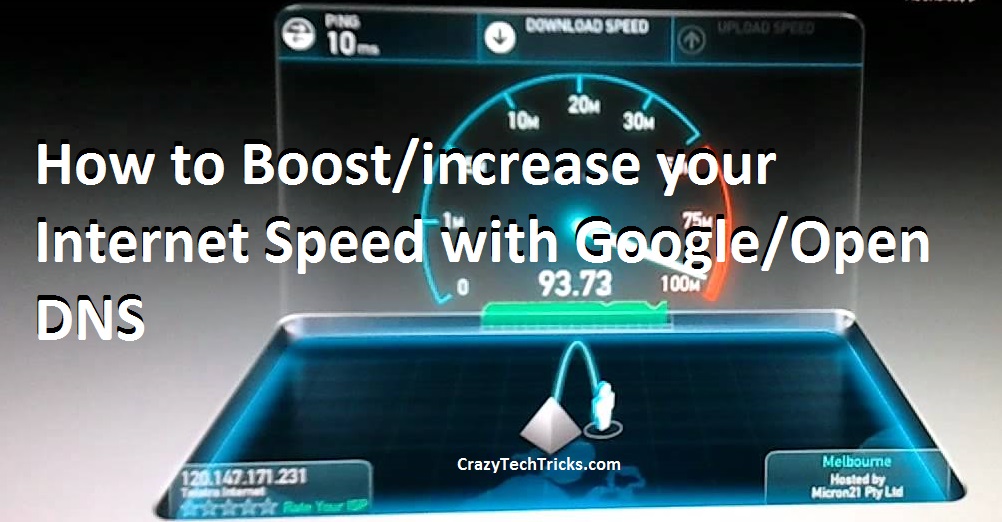
Internet is the most used modern technology. It is used by billions of people everyday. Yes! billions of people use internet. In today’s world everything is going online from study to shopping. The Internet is becoming our daily basic need. But, having internet and having faster internet are two different things. Almost majority of the […]
How to Update Windows 10 Offline
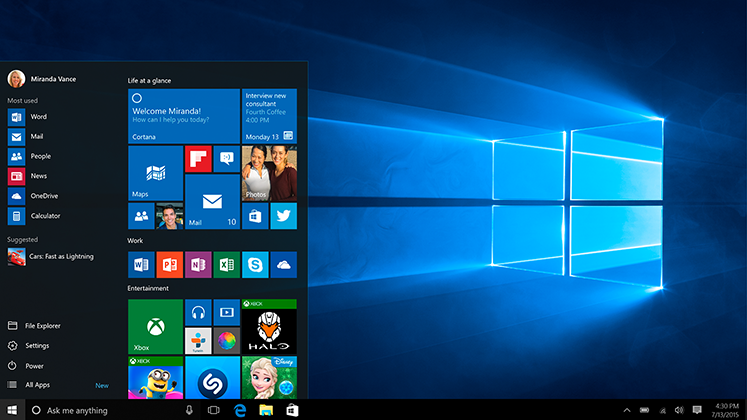
Yes, it is possible to update your current windows to windows 10 without any online feature. You don’t need to sit back and wait for hours for updating your windows 10. In this trick, you can even select the update which you want to install on your device. When you choose from your own, then […]
Microsoft Lumia 950 And 950 XL – Full Specifications with Price

Microsoft is on the peak position of developing top edged technology. Well, this time yet another masterpiece will be out in the world market soon. Microsoft has launched Microsoft Lumia 950 and Microsoft Lumia 950Xl. These models will be the first in the market running on Windows 10 OS. Design of both these handsets are simple […]
How to check your IP Address, Subnet Mask and Default Gateway in Windows

In just a few seconds you can check your IP address, Subnet Mask and other information using a code in Command Prompt. I have shared this guide step by step to check your all vital computer address. Do check this article and follow all the steps to check your IP Address etc. What is IP Address? […]
Microsoft Windows 10 Advantages Disadvantages
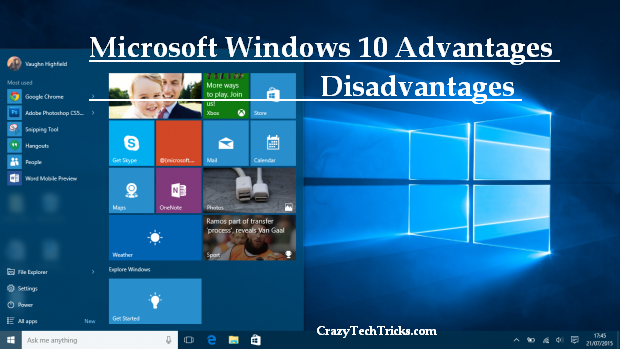
After stepping into the smartphones arena. Microsoft has now launched a new version of its windows which is none other than Windows 10. After fixing up all the bugs of the previous version. Microsoft has taken a great care for Windows 10. Now ultimately it had ranked as the best version of Windows version ever […]